
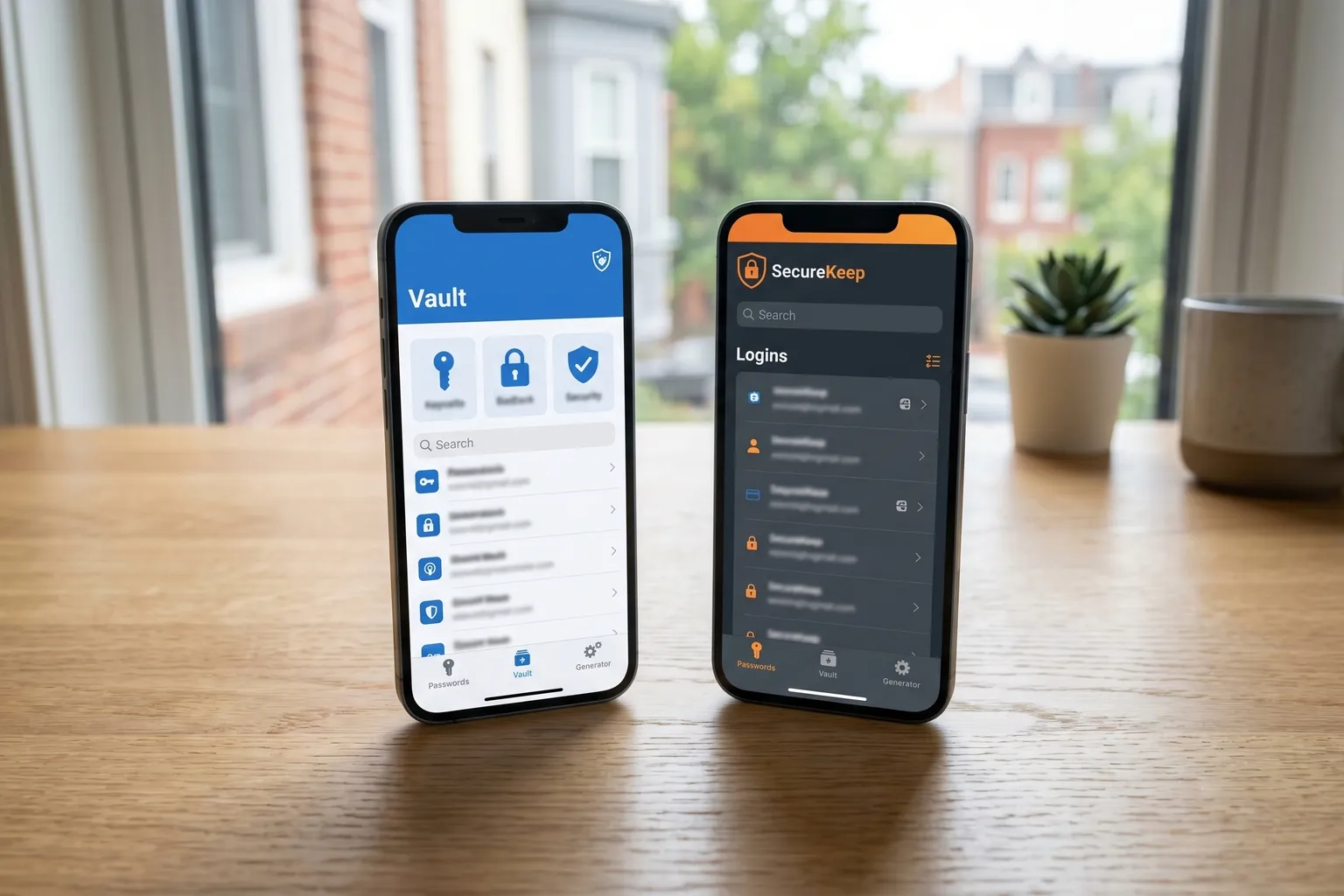
Two password managers dominate this category right now. They’re both good. They’re not equally priced.
I’ve used both for extended stretches — 1Password for about eight months, Bitwarden for the two years since. My job requires me to stay current on both. This isn’t a close call on every dimension, but it’s closer than the price difference suggests, which is what makes it interesting.
Here’s what you actually need to know.
The Short Version
If you’re deciding right now and don’t want the full breakdown:
Choose Bitwarden if:
- Price matters to you at all
- You’re comfortable with technology and don’t need hand-holding
- You want an open-source tool with auditable code
- You’re setting this up for yourself
Choose 1Password if:
- You want the most polished user experience in the category
- You’re setting up password management for a family member who’s nervous about tech
- You want the best family sharing UI available
- The $36/year individual or $60/year family price doesn’t bother you
Both are secure. Neither has had a major breach. The decision is really about price versus experience.
Pricing: Side by Side
| Bitwarden | 1Password | |
|---|---|---|
| Free plan | Yes, unlimited | No (14-day trial only) |
| Individual paid | $19.80/year | $36/year |
| Families | $40/year (6 users) | $60/year (5 users) |
| Teams | $4/user/month | $4.99/user/month |
| Business | $6/user/month | $8/user/month |
The gap at the individual level is $26/year. That’s real money for a recurring subscription, even if it’s not a lot in absolute terms.
At the family level, Bitwarden is better on both price and user count: $40/year for six people versus $60/year for five. If you’re splitting a family plan, Bitwarden comes out to under $7 per person per year. 1Password is $12 per person. For a family of five, that’s a $20/year difference.
Over five years, the family plan gap is $100. Not nothing.
1Password’s defense is that the UX is better — and it is. Whether that UX improvement is worth $20-26/year extra is genuinely a personal call.
Security: Are They Actually Different?
Let me clear this up because it’s what people worry about most.
Both use AES-256 encryption. That’s the gold standard. Both use zero-knowledge architecture, meaning neither company can see your vault contents or your master password. Both have undergone third-party security audits. Neither has had a major breach.
Security-wise, they’re equivalent. That’s not a hedged answer — they’re genuinely equivalent on the security architecture that matters.
The one meaningful difference: 1Password’s Secret Key.
When you set up a 1Password account, you get a 34-character Secret Key in addition to your master password. Think of it like a second password that’s permanently tied to your account. Your vault can only be decrypted with both the master password AND the Secret Key together.
This is a real security advantage: even if someone got your master password (say, through phishing), they’d still need your Secret Key to access your vault. 1Password saves this key in an Emergency Kit PDF that you’re supposed to print and store somewhere safe.
The trade-off: if you lose both your master password and your Secret Key, you’re permanently locked out. 1Password genuinely cannot help you. So you have to manage that Secret Key carefully.
Bitwarden’s answer: No Secret Key, but you can set up strong two-factor authentication (authenticator app, hardware key on Premium) to accomplish similar protection. It’s slightly less automatic than 1Password’s approach, but workable.
The open source factor. This is where Bitwarden has an edge that matters for people who care about verifiability. Bitwarden’s code is publicly available and has been independently audited — the audit reports are public. With 1Password, you’re trusting their word that the code does what they say. That’s a reasonable trust for most people, but it’s different from having the code out in the open.
No security researcher has found critical vulnerabilities in Bitwarden’s open code. That’s meaningful.
The Full Comparison Table
| Feature | Bitwarden Free | Bitwarden Premium | 1Password |
|---|---|---|---|
| Price | $0 | $19.80/year | $36/year |
| Unlimited passwords | Yes | Yes | Yes |
| Unlimited devices | Yes | Yes | Yes |
| Browser extensions | Yes | Yes | Yes |
| Mobile apps | Yes | Yes | Yes |
| Password generator | Yes | Yes | Yes |
| Secure notes | Yes | Yes | Yes |
| 2FA (authenticator app) | Yes | Yes | Yes |
| Hardware key 2FA | No | Yes | Yes |
| Vault health reports | No | Yes | Yes |
| Emergency access | No | Yes | Yes (different implementation) |
| 1GB file storage | No | Yes | 1GB |
| Family sharing | Separate plan | Separate plan | Yes ($60/year) |
| Open source | Yes | Yes | No |
| Secret Key | No | No | Yes |
| Third-party audit | Yes (public) | Yes (public) | Yes (limited public) |
User Experience: Where 1Password Wins
I’m going to be direct about this: 1Password is a better-designed product.
The onboarding is smoother. The vault layout is cleaner. The browser extension is more responsive. The Watchtower feature (their breach and security alert system) is better integrated. The family sharing experience, where multiple people have separate vaults plus shared vaults, is more intuitively organized.
When 1Password tells you a password was found in a data breach, it’s easy to understand what to do. The interface guides you. Bitwarden’s equivalent — the vault health reports on Premium — requires you to go find the section, read the list, and act on it yourself. Not hard, but less polished.
The 1Password iOS app is particularly good. Autofill is fast, the UI responds smoothly, and vault organization feels natural. Bitwarden’s iOS app works correctly but looks and feels utilitarian.
None of this is a dealbreaker. It’s the difference between a car with cloth seats and one with leather — the car with cloth seats still gets you there. But if you’re paying for the experience, 1Password delivers it.
Where the UX gap is widest: family setup. If you’re setting up password management for a family that includes people who aren’t comfortable with technology, 1Password’s guided setup and cleaner shared vault experience is measurably better. Bitwarden works, but requires more patience from the person doing the setup.
Family Plans: A Closer Look
1Password Families ($60/year, up to 5 users) gives each family member their own private vault plus shared family vaults. The family manager can see who’s in the plan, recover accounts for family members, and manage permissions. The UX for family sharing is the best in the category.
Bitwarden Families ($40/year, up to 6 users) offers similar structure — private vaults plus shared organizations — but the admin interface feels more like enterprise software than a consumer product. It works, it’s just less friendly.
For price: Bitwarden is cheaper and supports one more user. For experience: 1Password is better.
If your family is tech-savvy, Bitwarden at $40/year is the obvious choice. If your family has members who’ll need handholding, 1Password’s extra cost is justified.
Business and Teams
Both offer team and business plans for organizations.
Bitwarden Teams is $4/user/month; Business is $6/user/month. Bitwarden Business adds advanced policies, audit logs, and self-hosting options. The self-hosting option is significant — organizations that need full control over where their data lives can run Bitwarden on their own servers. 1Password doesn’t offer that.
1Password Teams is $4.99/user/month; Business is $8/user/month. 1Password Business adds better integration with HR systems, automated provisioning, and more admin controls.
For security-conscious organizations on a tight budget, Bitwarden’s self-hosting capability is a genuine differentiator. For organizations that want streamlined user management and don’t need self-hosting, 1Password’s business tier is well-regarded.
Migrating Between Them
Switching from 1Password to Bitwarden:
- In 1Password, go to File > Export and export your vault as a
.1puxfile (the native format) or as.csv. - In Bitwarden’s web vault, go to Tools > Import Data.
- Select “1Password (1pux)” from the format dropdown.
- Upload your file.
Most people are done in under 30 minutes. The import handles logins, secure notes, credit cards, and identities. Custom fields generally import correctly. A few edge cases (very old entries, some custom category types) may need manual cleanup.
Switching from Bitwarden to 1Password:
- In Bitwarden, go to Tools > Export Vault. Export as
.json(more complete) or.csv. - In 1Password, go to File > Import and select Bitwarden as the source.
- Upload your exported file.
Same process, different direction. Works reliably.
Neither migration is difficult. If you’re not happy with one, switching is a real option — you’re not locked in.
The Secret Key Explained Simply
1Password’s Secret Key concept trips people up, so let me explain it plainly.
When you create a 1Password account, the app generates a long random string — 34 characters — on your device. This is your Secret Key. It never leaves your device unencrypted. 1Password’s servers never see it.
Your vault is encrypted using both your master password and your Secret Key. Unlocking the vault requires both. If someone steals your master password through phishing or a keylogger, they still can’t get into your vault without the Secret Key.
1Password gives you an Emergency Kit — a PDF with your Secret Key printed on it — and strongly encourages you to print it and store it somewhere safe (a safe, a lockbox, with a trusted family member).
If you lose your Secret Key and can’t remember it, you’re locked out. There’s no recovery. This sounds scary, but if you keep the Emergency Kit somewhere sensible, it’s fine.
The practical upside is real: your vault is protected against attacks that compromise only your password. The practical downside is that you have one more thing to keep track of.
Bitwarden doesn’t have an equivalent. Its protection against the same attack vector is strong two-factor authentication — which you should set up regardless.
Who Should Use Each
Use Bitwarden if you:
- Don’t want to pay anything, full stop (the free plan is legitimately excellent)
- Want to pay $19.80/year instead of $36/year and keep your security equivalent
- Care about open-source and auditable code
- Want the most users per dollar on a family plan (6 users at $40/year)
- Need self-hosting for organizational compliance
- Are comfortable doing some initial configuration (adjusting the password generator defaults, setting up 2FA)
Use 1Password if you:
- Want the smoothest onboarding experience available
- Are setting this up for family members who need hand-holding
- Want the best-designed family sharing experience
- Want the Secret Key as an additional authentication factor
- Don’t mind paying $36/year for individual or $60/year for families
- Want a polished interface that you’ll actually enjoy using
The Verdict
Bitwarden wins on value. It’s not even close — the free plan is better than anything else in the category, and Premium at $19.80/year (Source) undercuts 1Password by $16.08/year with equivalent security.
1Password wins on experience. The UI is better, onboarding is better, family sharing is better. If you want the best possible version of a password manager and price isn’t the constraint, 1Password delivers it.
For most people reading this: use Bitwarden. You’ll get the same security protection at a fraction of the price or no price at all. The UX gap is real but it’s not large enough to justify $26/year extra for most users.
For people setting up a password manager for a family member who’s anxious about technology, or for users who genuinely want the polish: 1Password is worth it. The price is defensible.
Both are dramatically better than no password manager at all. That’s still the most important thing. Pick one and set it up today.
For a deeper look at Bitwarden on its own terms, including the full feature breakdown and security architecture, see the full Bitwarden review. We also cover both tools in our roundup of the best password managers in 2026.