
// PROS
- ElevenLabs delivers superior emotional nuance and realism for long-form content
- ElevenLabs offers a full-featured, well-documented API ideal for developers
- Murf AI has strong team collaboration and shared workspace features
- Murf AI integrates natively with PowerPoint and Google Slides
- Both produce studio-quality output suitable for professional use
- ElevenLabs supports 29+ languages with accurate pronunciation and 3,000+ voices
// CONS
- Murf's 10-minute free tier is too limited to meaningfully test
- ElevenLabs lacks robust team collaboration infrastructure
- Murf's API access is an afterthought compared to ElevenLabs
- Pricing models aren't apples-to-apples, making comparison tricky
- Murf's voice library is smaller and skews toward corporate/neutral tones
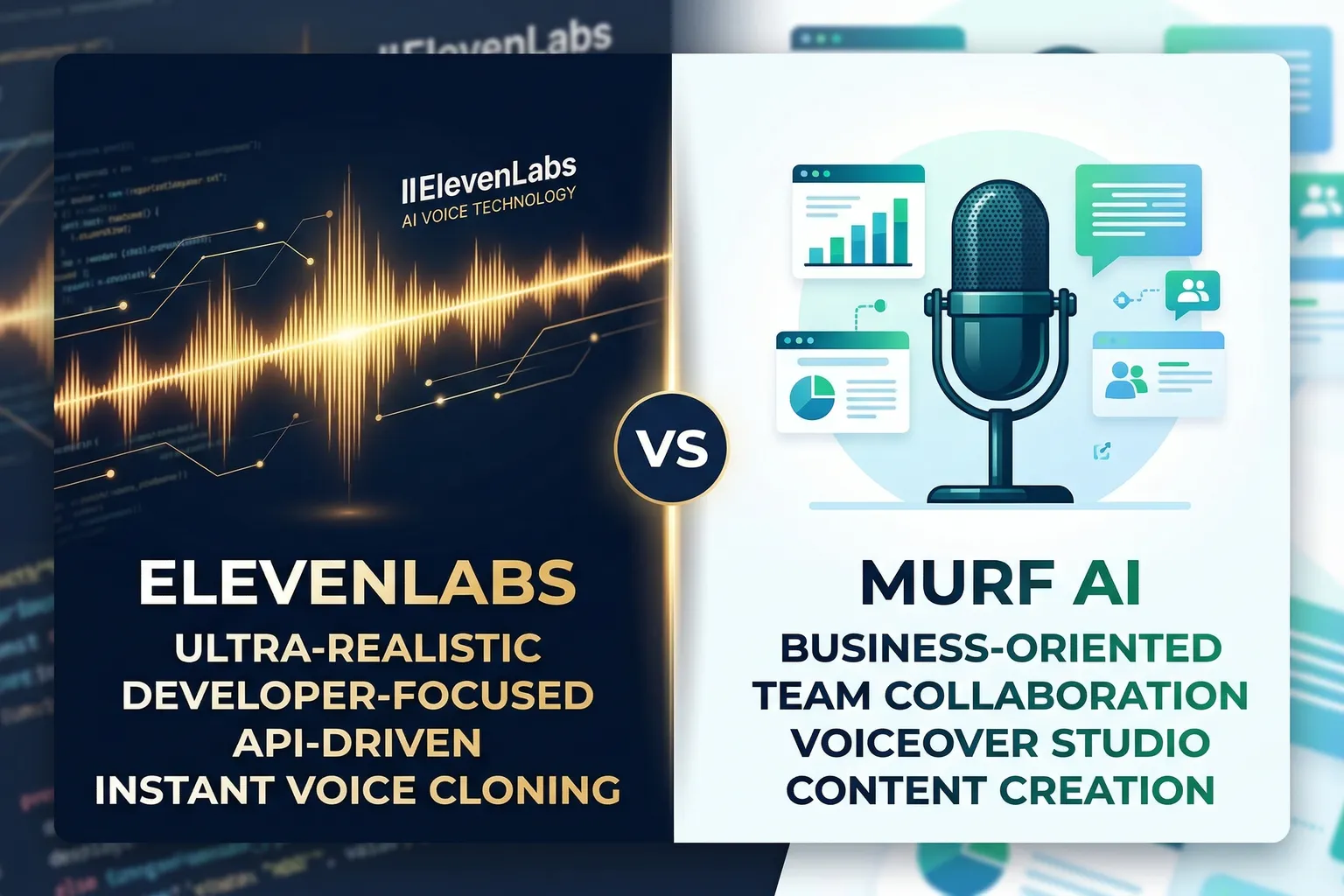
The bottom line before we get into anything: If you’re a developer building an app, a podcaster cloning your own voice, or anyone who cares about raw audio realism, use ElevenLabs. If you’re a business team churning out presentation narrations, training videos, or dubbed content and you need a clean collaborative workflow, Murf AI is the smarter pick.
That’s it. That’s the whole article.
But obviously there’s more nuance worth unpacking, so let me walk through where these two tools actually differ – because both are genuinely good, and I’d feel bad sending you to the wrong one.
Disclosure: TechSifted earns a commission if you buy through our links. This doesn’t change our recommendations – we call it like we see it. See our full disclosure.
Quick Comparison Table
| Feature | ElevenLabs | Murf AI |
|---|---|---|
| Best for | Developers, voice cloning, realism | Business teams, presentations, dubbed video |
| Free tier | 10,000 chars/month | 10 min voice generation |
| Starting price | $5/month (Starter) | $19/month (Basic) |
| Voice cloning | Yes, self-serve (all paid plans) | Yes, higher tiers only |
| API access | Yes, full-featured | Limited |
| Languages | 29+ | 20+ |
| Output formats | MP3, WAV, PCM | MP3, WAV |
| Video dubbing | Yes (Pro+) | Yes (Pro+) |
| Team features | Limited | Strong |
Voice Quality: ElevenLabs Has the Edge, But Not By As Much as You’d Think
A year ago, ElevenLabs had a commanding lead in audio realism. The gap has closed.
Both tools now produce output that’s genuinely hard to distinguish from a human narrator in normal listening conditions. We’re talking studio-quality voiceover, not the robotic cadence of early text-to-speech.
Where ElevenLabs still pulls ahead is in emotional nuance. It handles pacing, emphasis, and tone variation more naturally – especially in longer passages where the text doesn’t have obvious cues. If you’re producing an audiobook chapter or a long-form YouTube narration, ElevenLabs’ voices feel more alive.
Murf’s voices are excellent for their intended purpose: clean, professional, neutral narration for business content. A product explainer. A corporate training module. A slide deck with voiceover. In those contexts, Murf’s consistency is actually a feature – you don’t want a voice that sounds like it’s having a particularly dramatic day when you’re explaining expense reimbursement policy.
One thing worth mentioning: ElevenLabs’ voice library is bigger and more varied. Over 3,000 voices across 29 languages, with community-contributed options. Murf has a smaller, more curated library that skews toward broadcast-quality professional voices. If you need a very specific accent or character voice, ElevenLabs is more likely to have it (or let you clone it).
Pricing: More Complicated Than the Numbers Suggest
ElevenLabs:
- Free: 10,000 characters/month
- Starter: $5/month (30,000 characters)
- Creator: $22/month (100,000 characters)
- Pro: $99/month (500,000 characters)
- Scale: $330/month (2,000,000 characters)
Murf AI:
- Free: 10 minutes of generation (with watermark)
- Basic: $19/month (60 minutes, 60 voices)
- Pro: $26/month (180 minutes, all voices, downloads)
- Enterprise: Custom pricing
The comparison isn’t apples-to-apples because ElevenLabs prices by character and Murf prices by generation time. Rough translation: 10,000 characters is roughly 6-8 minutes of audio. So ElevenLabs’ Creator plan at 100,000 characters is approximately 60-80 minutes of audio per month. Murf’s Pro plan gives 180 minutes.
On that basis, Murf AI is genuinely cheaper for high-volume narration work if you don’t need API access. If you’re producing a lot of audio and primarily using the web interface, Murf’s pricing structure makes sense.
ElevenLabs wins for developers. Its API is fully featured and well-documented, and you pay only for what you use at rates that scale reasonably. Building a voice-enabled product or automating content production? ElevenLabs has the infrastructure for it. Murf’s API access is an afterthought by comparison.
Use Cases: Where Each Tool Wins
Use ElevenLabs if you’re:
A developer or technical user who needs API access for anything – an app, a pipeline, an automation. ElevenLabs was built API-first and it shows. The documentation is solid, the SDKs exist, and the voices accessible via API are the same ones you’d use manually.
A podcaster or YouTuber who wants to clone your own voice. Instant Voice Clone is genuinely impressive and available on paid plans. You record a sample, upload it, and the model creates a synthetic version of your voice that you can generate audio with indefinitely. The ethical implications are worth thinking about. The technical output is excellent.
Someone who needs multilingual content with nuanced pronunciation. ElevenLabs handles 29+ languages and tends to get accent and intonation right in a way that feels tested rather than bolted on.
A fiction writer or game developer needing character voices with personality. The emotional range in ElevenLabs’ voices gives you something to work with for creative projects in ways that Murf’s business-focused voices don’t.
Use Murf AI if you’re:
A business team that needs a shared workspace. Murf’s collaboration features – team projects, shared assets, organized workflows – are genuinely thoughtful. ElevenLabs doesn’t have equivalent team infrastructure.
Someone producing a lot of presentation or training content. Murf’s workflow is optimized for slide-narration-style content: paste your script, pick a voice, adjust pacing, export. It’s clean and repeatable. For content teams doing this at volume, that workflow matters.
Producing dubbed video with lip-sync. Murf AI’s dubbing tool is well-executed and integrates naturally into the rest of the platform. You don’t need to go outside the tool to get dubbed video output.
Working in a business context where you need something that sounds polished and professional – but not necessarily “lifelike.” Murf’s voices have a broadcast quality that sounds authoritative in corporate contexts. Sometimes that works better than something that sounds too human.
Integrations
ElevenLabs wins here, and it’s not particularly close.
The API means ElevenLabs effectively integrates with anything you can write code to connect. There are community-built plugins for tools like Notion, Zapier, and various content platforms. For developers, this is the expected state of affairs.
Murf AI has native integrations with PowerPoint and Google Slides – which sounds minor, but for their target user (business presenter), it’s exactly the right move. You can add voiceover to slides without leaving the Murf environment. That’s a practical win for the people Murf is built for.
If you’re not a developer and you use Google Slides a lot, Murf’s integrations might actually matter more to you day-to-day than ElevenLabs’ more flexible but more technical API.
A Note on the ElevenLabs vs. Murf vs. WellSaid Three-Way Comparison
If you came here from our ElevenLabs vs Murf vs WellSaid comparison, you’ve already got a broader view. This article is specifically for people who’ve narrowed it down to these two and want a deeper look at the head-to-head.
What Murf AI Looks Like in Practice
Worth knowing before you sign up: Murf’s interface is genuinely well-designed. You paste or type a script, break it into segments, assign voices and pacing to each segment, and preview. The export options are solid. For someone producing narrated slide decks or explainer videos regularly, the workflow becomes second nature quickly.
The 10-minute free tier is frustrating because it barely lets you test anything meaningfully. It’s really a demo tier, not a usable free plan. If you’re serious about evaluating Murf, go straight to the Basic plan for a month – $19 is worth it to actually test the workflow with real projects.
Verdict: Pick by Use Case
There isn’t a universal winner here. Both tools are good at what they’re designed for.
Pick ElevenLabs if: you’re a developer, you want to clone your own voice, you need the most realistic-sounding audio, or you need multilingual content with strong pronunciation quality.
Pick Murf AI if: you’re a business team producing presentation narrations or training content at volume, you want team collaboration features, or you want a clean polished voice for corporate content without needing API access.
The one scenario where this is an easy call: developers should use ElevenLabs, full stop. The API alone makes it the obvious choice, and the voice quality is there to back it up.
For everything else – pick based on workflow fit, not just spec comparisons.
For more context on how these tools fit into the broader voice AI market, check out our Best AI Voice Generators roundup. And if you’re already an ElevenLabs user and want the deep dive, the ElevenLabs review and Murf AI review have more detail on each platform individually.