
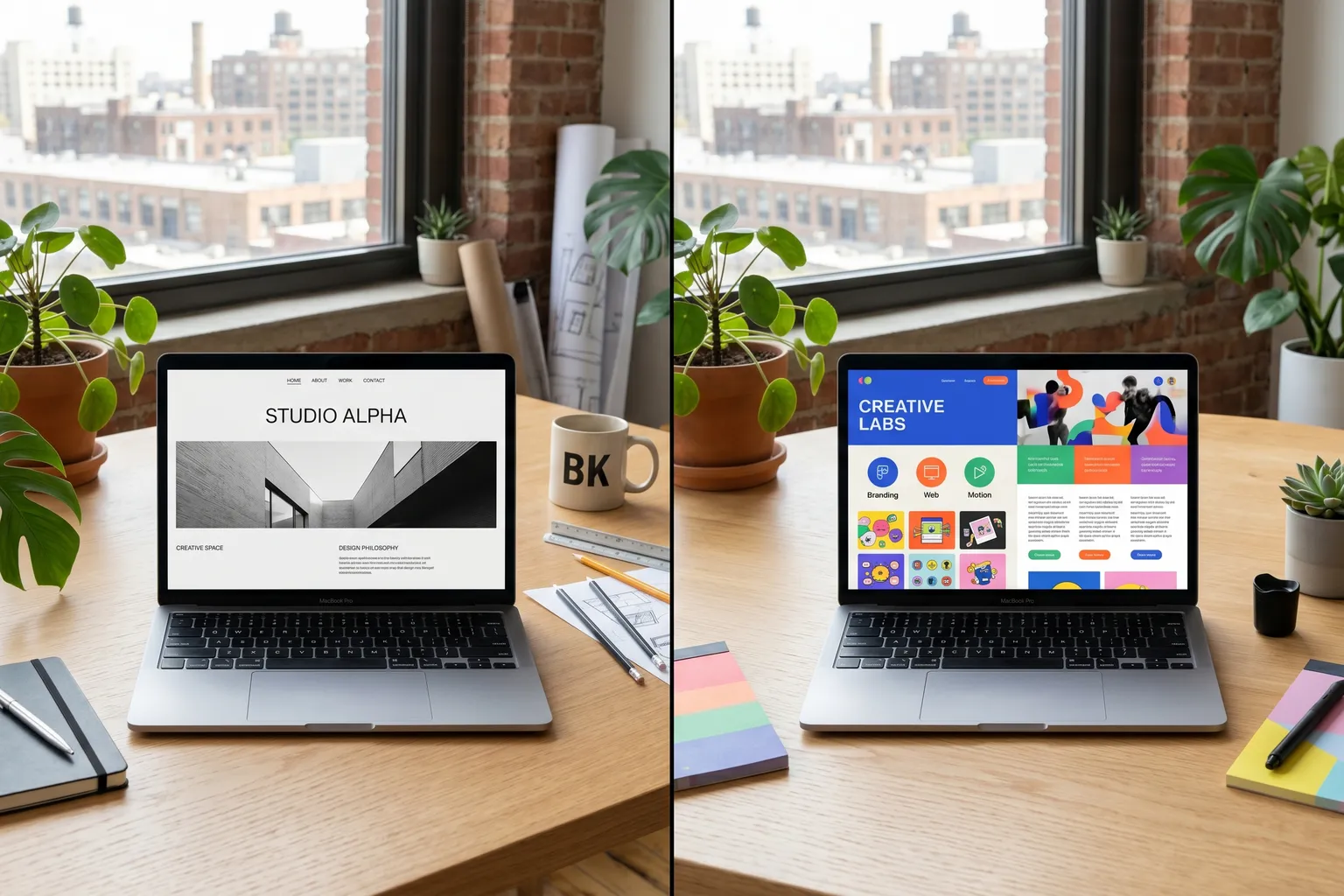
The Squarespace vs. Wix debate has been running for a decade and hasn’t fully resolved because both platforms occupy legitimately different positions. They’re not the same product. The “which is better” question has an honest answer: it depends on what you’re building and how you prefer to work.
I’ve evaluated both platforms from a UX standpoint — not just “can I build a site,” but “who finds this usable, and in what context does it break down.”
Here’s what I found.
Quick Comparison
| Feature | Squarespace | Wix |
|---|---|---|
| Starting price | $16/month | $17/month |
| Free tier | No (free trial only) | Yes (with ads/subdomain) |
| Design quality | Excellent, opinionated | Good, highly flexible |
| Template variety | ~180 templates | 900+ templates |
| Ecommerce | Clean, capable | More powerful but complex |
| App market | Limited (~40 apps) | 300+ apps |
| Custom code | Limited CSS/JS access | More flexible |
| Blogging | Good | Adequate |
| Mobile editor | Yes | Yes |
| Best for | Designers, portfolios, brand sites | Entrepreneurs, complex feature needs |
Design: Squarespace Wins
This is the clearest differentiator between the two platforms, and it matters more than feature lists suggest.
Squarespace templates are designed by real designers with real design sensibilities. The starting point for any Squarespace site looks better than 90% of what people build on Wix without applying significant effort. The grid system is clean. Typography defaults are sensible. Spacing and visual hierarchy are handled for you.
This isn’t an accident — Squarespace has always positioned itself as the “design-forward” builder, and it shows in the product. The editor enforces some opinionated design constraints (you can’t arbitrarily place elements anywhere on the page, for example) that frustrate users who want total freedom, but protect users who don’t have a design background from producing something that looks bad.
Wix has improved its design quality substantially over the years, but the freedom it offers is also a risk. Wix’s drag-and-drop editor lets you place elements literally anywhere on the page — which means experienced designers can build excellent-looking sites, and people without design training can build sites that look like a MySpace page from 2007. The freedom is real; so is the rope.
Verdict on design: If you want a site that looks polished without design expertise, Squarespace is more reliable. If you have design skills or are willing to put in the work, Wix can match Squarespace quality.
Flexibility and Features: Wix Wins
Wix has more features. Not marginally — significantly more.
App Market: Wix has 300+ apps in its marketplace. Squarespace has roughly 40. If you need to connect a specific third-party service (CRM, chat widget, booking system, email marketing tool, etc.), the probability that a native Wix integration exists is much higher than Squarespace.
Design flexibility: Wix lets you place elements at any position on the page. Squarespace works in sections with predefined layout constraints. For straightforward sites, Squarespace’s constraints are an asset. For unusual layouts or highly custom designs, Wix’s freedom matters.
Multi-language support: Wix supports multilingual sites natively. Squarespace’s multi-language support is limited and clunky.
Booking and events: Wix has Wix Bookings — a genuinely capable appointment scheduling and service booking system. It’s competitive with dedicated booking tools like Calendly for simple use cases. Squarespace’s scheduling requires a paid integration with Acuity Scheduling.
Blogging: Both have adequate blogging. Squarespace’s blog is cleaner. Wix’s blog has more configuration options. Neither is competitive with WordPress for serious content publishing.
Verdict on flexibility: Wix. If you’re building something beyond a standard portfolio or brochure site, Wix has more room to grow into.
Pricing: Neither Is Cheap
Both Squarespace and Wix have positioned themselves as premium builders, and their pricing reflects that.
Squarespace plans:
- Personal: $16/month (billed annually) — basic site, no ecommerce
- Business: $23/month — ecommerce (Squarespace takes 3% transaction fee)
- Commerce Basic: $28/month — no transaction fee
- Commerce Advanced: $52/month — subscriptions, shipping automation
Wix plans:
- Light: $17/month — basic site, 2GB storage
- Core: $29/month — ecommerce enabled, 50GB storage
- Business: $36/month — 100GB storage, priority support
- Business Elite: $159/month — high-volume ecommerce
At the basic tier, they’re roughly equivalent. As you add features — especially ecommerce — both platforms escalate in cost.
The thing that bothers me: for the price of Squarespace Business ($23/month, $276/year) or Wix Core ($29/month, $348/year), you could host a WordPress site on quality managed hosting, have full control of your platform, and own all your content without vendor lock-in. That comparison is worth making.
The Budget Alternative: Hostinger Website Builder
If the Squarespace and Wix pricing is creating friction, Hostinger’s Website Builder deserves a look.
Hostinger started as a web hosting company and built a website builder on top of its hosting infrastructure. The result: plans that include both hosting and website building features at much lower prices than the dedicated builders.
Hostinger’s Website Builder plans start around $2.99/month (see current pricing). The builder itself is less polished than Squarespace and has a smaller app ecosystem than Wix — but for a portfolio, small business site, or simple service page, it’s more than adequate.
Who Hostinger makes sense for:
- Budget-conscious projects where spending $20–$35/month feels excessive
- Businesses that also need email hosting and basic web infrastructure in one place
- People comfortable with slightly more setup in exchange for lower ongoing costs
Who Hostinger doesn’t fit:
- Users who need the design-template quality of Squarespace
- Projects requiring the Wix app ecosystem depth
Who Should Choose What
Choose Squarespace if:
- You’re building a portfolio, photography site, or brand presence where aesthetics are primary
- You don’t have design training and want something that looks good by default
- You’re running a small ecommerce store (under 50 products) and want a clean checkout experience
- You want a simpler editor with fewer choices to overwhelm you
Choose Wix if:
- You need specific integrations or app-market tools not available on Squarespace
- You want full drag-and-drop positioning flexibility
- You’re building a service business that needs booking/appointment functionality
- You want a free tier to start (with ads, on a Wix subdomain)
- You anticipate needing features that will require platform flexibility over time
Consider Hostinger if:
- Budget is the deciding factor and either Squarespace or Wix is more than you want to spend
- You’re comfortable with a less polished builder in exchange for lower cost
Platform Lock-In: The Risk Neither Platform Advertises
Both Squarespace and Wix are walled gardens. Your site design, content structure, and (to varying degrees) data exist within their platform, and leaving is painful.
Squarespace lets you export content as XML, but your design and media don’t transfer. Wix doesn’t provide a straightforward export path for site design at all — you can export some data, but rebuilding elsewhere requires starting from scratch.
This matters because platforms change their pricing over time. Both Squarespace and Wix have raised prices meaningfully over the past five years. If you’re building something long-term that you’ll maintain for years, the lock-in risk of a proprietary builder is worth weighing against the convenience it provides.
For maximum portability and control, WordPress (self-hosted) is the answer — at the cost of setup complexity. If you want to explore that option, see our Wix vs WordPress 2026 breakdown.