
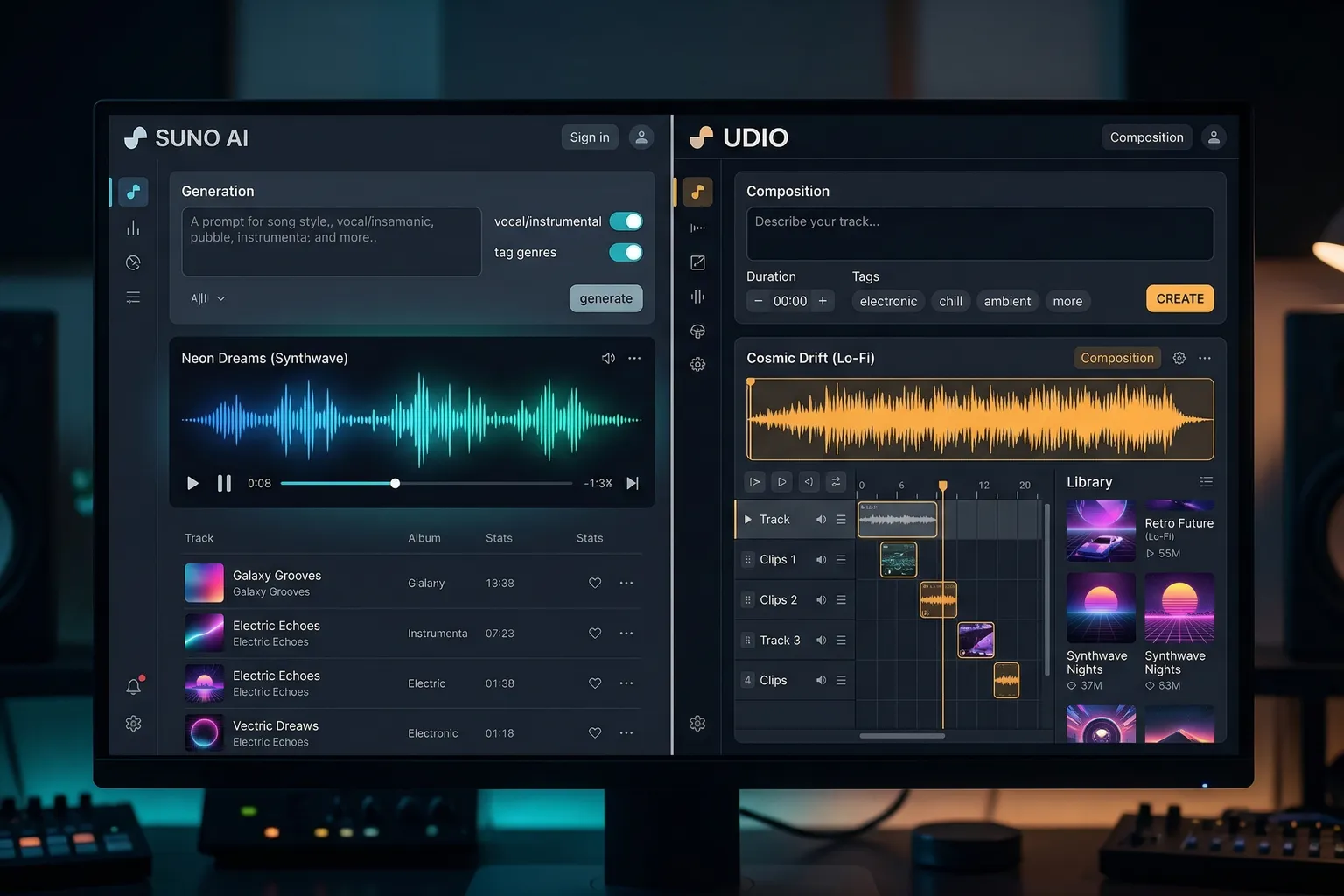
// PROS
- Two genuinely strong AI music tools with no affiliate bias in the recommendation
- Suno delivers high first-attempt quality and polished vocals
- Udio offers superior genre precision for niche styles
- Udio's extend feature lets you build songs section by section
- Both paid tiers include commercial rights suitable for YouTube
- Free tiers on both are sufficient for evaluation
// CONS
- Free tiers are personal-use only and limited in credits
- Lyrics still feel thin for deep emotional content
- Sync licensing terms remain legally uncertain for AI music
- Udio requires iteration to get the best results
- Suno is less precise for niche or regional genres
I’ll pick a winner early: for most people starting with AI music in 2026, start with Suno.
But “most people” isn’t everyone. And Udio beats Suno in specific situations that matter to specific users – enough to make this comparison worth doing properly rather than just pointing at Suno and calling it a day.
I tested both for the same use cases: background music for YouTube videos, songs with vocals for content projects, genre-specific music for a client who wanted something that sounded authentically like a niche style. Here’s what actually happened.
The Short Version
Start with Suno if: You want fast results, you’re new to AI music, you want complete songs with vocals, you care about the simplest possible interface.
Start with Udio if: You need specific genre accuracy, you want more production control, you’re willing to iterate to get better results, you work in niche styles that Suno handles loosely.
No affiliate programs for either tool. I’m recommending based on testing.
Audio Quality
This is the question everyone asks, and the honest answer is: it depends on what you’re generating.
For pop, hip-hop, and mainstream genres, Suno’s quality is slightly more consistent on the first attempt. The v3 model – what you’re getting today – produces songs that sound complete and intentional. Chord progressions have logic. Vocals have melody. The production style matches the genre request with reasonable accuracy.
Udio, on the same mainstream genres, can produce equally good or better results with iteration. The key phrase is “with iteration.” Your first Udio output for “indie pop song, female vocals, introspective mood” might be fine. Your fifth attempt, after you’ve refined the prompt and used the controls, might be noticeably better than what Suno would give you.
For niche genres – specific subgenres of electronic music, particular jazz styles, regional music traditions – Udio is more precise. I tested “afrobeat-influenced R&B with talking drum elements” on both tools. Suno gave me something in the general R&B vicinity. Udio gave me something closer to the actual genre. Not perfect, but closer.
Edge: Draw for mainstream. Udio for niche genres.
Lyric Generation
Both tools generate lyrics as part of the song process. Both have gotten surprisingly good at this.
Suno’s lyrics are more consistently coherent on the first attempt. The syllable-per-beat fit is better by default – the AI has clearly been trained on how lyrics work in actual songs. I’ve generated songs where the lyrics not only rhyme but have an actual perspective and narrative arc. That’s genuinely impressive.
Udio gives you more control over lyrics. You can input your own lyrics and have the AI generate music to fit them, which Suno also supports but Udio handles with more precision. If you write your own words and want AI to turn them into a song, Udio respects the input better.
Caveat on both: lyrics at the edges of emotional depth are still thin. “Generic breakup song sentiment” is easy for both. “Specific emotional experience that resonates deeply” is still human territory.
Edge: Suno for default quality. Udio for custom lyrics control.
Free Tiers
Both have free tiers. Neither is generous enough for production work, but both are real enough for evaluation.
Suno free tier: 10 credits per day (each generation costs 5-10 credits depending on length). Personal use only. Full quality. You can make one or two songs a day to evaluate the platform.
Udio free tier: Similar credit-based structure. Personal use only. Slightly fewer credits available – I’d estimate Suno gives you more room to experiment for free.
Edge: Suno for free tier generosity.
Paid Plans
Pricing is similar and competitive:
Suno: Pro $10/month (500 credits/month, commercial rights), Premier $30/month (2,000 credits), plus higher tiers up to $99/month.
Udio: Hobbyist $10/month (1,200 credits/month, commercial rights), Creator $30/month (4,800 credits), Pro $99/month (14,400 credits).
At the $10/month entry point, Udio actually gives you more credits (1,200 vs 500). Whether that matters depends on how many tracks you’re generating. Both $30/month plans are genuinely workable for regular content creation.
Edge: Udio for credits-per-dollar at entry level.
Unique Features
Suno’s strongest feature: The overall first-attempt success rate. You put in a prompt, you get back something listenable. The system makes smart decisions about arrangement, dynamics, and structure. For people who don’t want to think about production, Suno thinks for them well.
Udio’s strongest feature: The extend functionality. You generate a 30-second clip you like, select it, and ask Udio to add what comes next – verse, chorus, bridge, outro. You’re building a song rather than hoping a complete song falls out of the machine. For building intentional longer pieces, this is genuinely powerful.
For YouTube Background Music
I’ve used both for YouTube background music extensively. The honest take:
Both work. Neither will trigger ContentID on paid plans. The quality is sufficient for background music, which is the primary use case for most creators using these tools.
Suno is faster to get something usable. Udio gives you more control over energy level and structure, which can matter when you want music that builds with a video rather than just sitting underneath it.
For quick turnaround, Suno. For producing music that’s more deliberately matched to specific video content, Udio.
For Songs with Vocals
If generating actual songs – not background music, but tracks where the vocal performance is part of the point – Suno has a slight edge in vocal quality and consistency.
Udio’s vocals can be excellent, but they’re more variable. Suno’s vocal output is more reliably polished on the first few attempts. The melodies tend to be more catchy (in the mainstream pop sense), which is a feature or a bug depending on what you’re making.
Commercial Rights on Free vs Paid
Both tools: free tier output is personal use only. Paid tiers include commercial rights.
What “commercial rights” means varies. For YouTube, both paid-tier plans cover your monetized channel. For sync licensing – placing music in films, TV, ads – you’ll want to read the specific terms carefully, especially as the AI music licensing landscape continues to evolve legally. AIVA and Soundraw have cleaner track records for sync licensing with clearer terms; for sync specifically, those tools might be more appropriate.
My Verdict
Start with Suno’s free tier. Spend an hour generating songs across a few different prompts you actually care about. If you’re satisfied with the first-attempt quality, Suno’s Pro tier at $10/month is enough for most content creator needs.
If you find yourself wishing for more control, more genre precision, or the ability to build songs piece by piece rather than generate them whole – try Udio. The learning curve is real but the ceiling is also higher.
I use both, depending on what I’m making. For YouTube quick turnaround: Suno. For client projects where I need to get a specific genre right: Udio.
Neither has an affiliate program. I’m telling you this because I want you to trust me when I say these are genuinely the two best options in the category right now, not because I’m paid to say so.
Related reading:
- Best AI Music Generators 2026
- Best AI Voice Generators 2026 (Cluster E Pillar)
- Suno AI Not Working? Common Fixes