
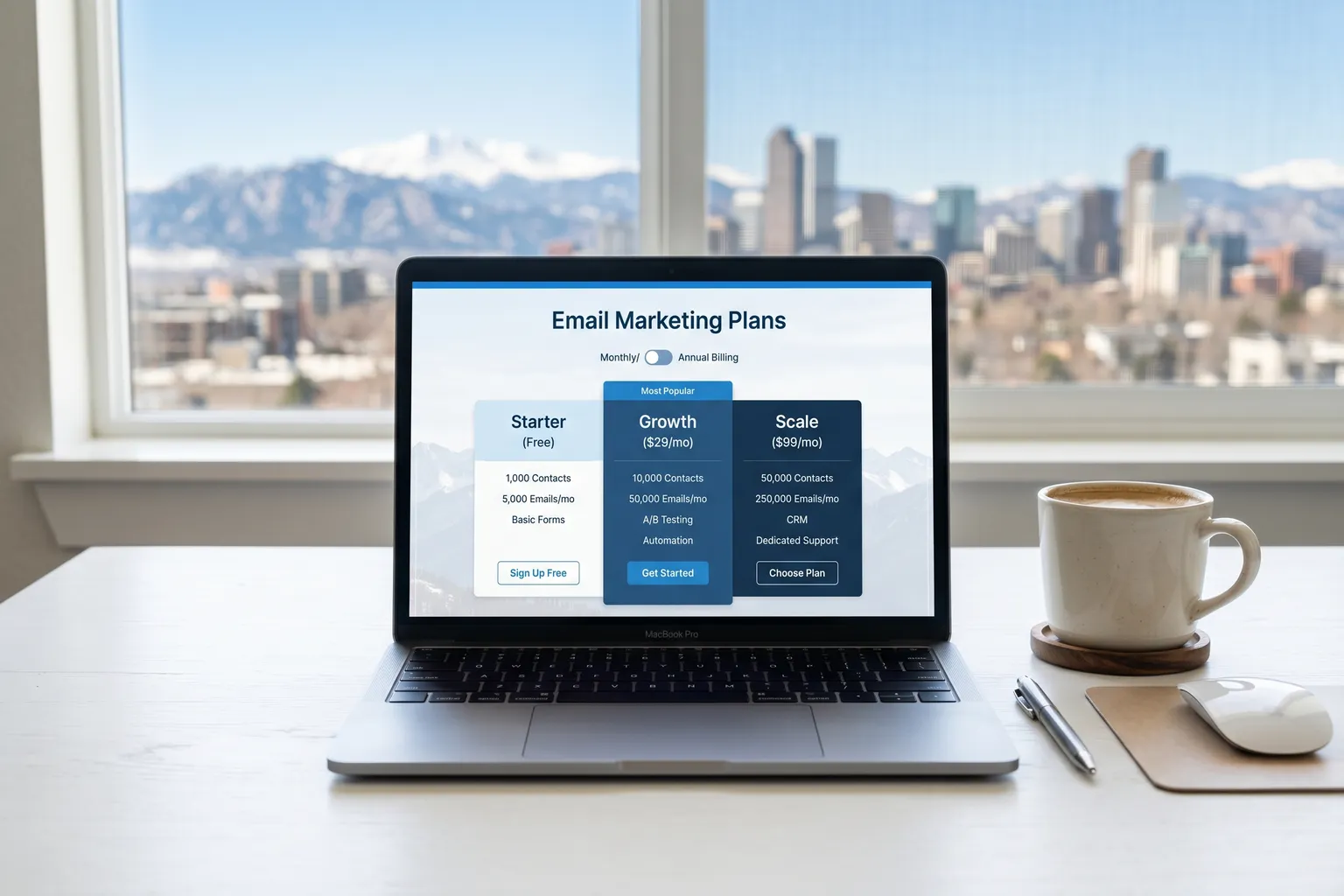
Brevo’s pricing page looks deceptively clean. Four plans, some numbers, a table. Easy.
Then you start digging. Daily send caps. Brevo branding that can’t be removed unless you pay. SMS credits sold separately. Dedicated IPs locked behind the upper tier. Suddenly it’s less clean.
I’ve been using Brevo (formerly Sendinblue) across client accounts for years. I know where the surprises are. Here’s the actual breakdown.
Brevo Plans at a Glance (September 2026)
| Plan | Price | Email Volume | Daily Send Cap | Contacts | Key Features |
|---|---|---|---|---|---|
| Free | $0/month | 9,000/month | 300/day | Up to 100,000 | Basic automation, transactional email, chat widget |
| Starter | From $9/month | 5,000/month+ | None | Up to 500,000 | Removes daily cap, email support, branding removal as a paid add-on |
| Standard | From $18/month | 5,000/month+ | None | Up to 500,000 | A/B testing, advanced reporting, AI send time optimization, priority email support |
| Enterprise | Custom | Custom | None | Unlimited | Dedicated account manager, custom limits, dedicated IP, SSO, SLA |
Prices above reflect the base tier. Both Starter and Standard scale up in price as monthly send volume increases — more on the exact brackets below.
Step 1: Understanding Brevo’s Pricing Model
This is the foundation. Miss it and you’ll compare Brevo to competitors incorrectly.
Brevo charges by emails sent per month. Not by contacts stored. Not by list size. Emails sent.
That’s the opposite of how Mailchimp, ConvertKit, and most other email platforms work. On those platforms, you pay for the privilege of having contacts in your account — whether you email them or not.
Brevo’s model is genuinely better for most small businesses and bloggers. Here’s why: a typical small business has 10,000 subscribers but might only email 3,000 of them actively each month. On Mailchimp, you’re paying for all 10,000. On Brevo, you’re paying for the 3,000 emails you actually sent.
The contact storage allowance isn’t marketing copy. Upload up to 100,000 contacts on the Free plan. Brevo won’t charge you more. The meter only starts running when you hit send.
Keep this in mind throughout the rest of the breakdown. It’s the core reason Brevo’s numbers look different from competitors — and why the comparison math works in Brevo’s favor for most use cases.
Step 2: The Free Plan — Genuinely Useful, With Real Limits
I’m going to say something that sounds like I work for Brevo’s marketing team but is actually true: Brevo’s Free plan is the best free offer in email marketing right now.
300 emails per day. Up to 100,000 contacts. Basic automation workflows. Transactional email (for receipts, password resets, account confirmations). A chat widget for your website. All free. No credit card required to start.
For context: Mailchimp’s free plan caps contacts at 250 and sends at 500/month total. Brevo gives you up to 100,000 contacts and roughly 9,000 emails/month on free. It’s not close.
What’s actually included in Free:
- 300 emails/day (9,000/month)
- Up to 100,000 contacts
- Email template editor
- Basic automation workflows
- Transactional email (API or SMTP)
- One user login
- Chat widget
- SMS access (credits purchased separately; WhatsApp requires the Professional plan)
- Basic reporting — opens, clicks, unsubscribes
What’s not there — the real limits:
Brevo branding in your email footer. Can’t remove it on Free. Every email goes out with a small “Sent with Brevo” sticker at the bottom. For professional brands, this is the primary reason to upgrade. It’s not a massive visual intrusion, but it’s noticeable and it’s not yours.
No phone support on Free. Email support is included, but for a time-sensitive campaign problem at 11pm before a launch, waiting on a ticket queue is a bad situation. Phone support only arrives on Professional.
The 300/day cap is the operational limit that eventually forces the upgrade. If your active subscriber count is under 250, you can realistically work around it by batching sends across multiple days. Once you’re reliably above 250-300 active subscribers, the cap starts constraining real campaigns.
Advanced reporting isn’t there. You get the basics — opens, clicks — but no heat maps, no geographic breakdowns, no conversion tracking integration.
Who the Free plan is right for: New bloggers building a list under 1,000 subscribers. Side projects. Businesses sending transactional email only. Anyone testing whether email marketing will actually work before committing budget. If you’re just getting started, try Brevo free and stay there until the limits genuinely bother you.
Step 3: Starter Plan — The Practical Upgrade
Starter starts at $9/month for 5,000 emails/month. That’s the base price.
As your send volume grows, the price scales:
| Monthly Email Volume | Starter Price |
|---|---|
| Up to 5,000 | $9/month |
| Up to 20,000 | $32/month |
| Up to 40,000 | $46/month |
| Up to 60,000 | $65/month |
| Up to 100,000 | $82/month |
Two things happen when you upgrade to Starter.
First: the daily cap disappears. 300 emails/day becomes whatever your monthly plan supports, sent whenever you want. That’s the unlock that actually matters operationally. You can send a 5,000-subscriber campaign in one batch. You’re not forced to spread sends over days.
Second: Brevo branding can come off your emails — on Starter that is the “No Brevo logo on emails” paid add-on, not an included feature.
You also get email support — an actual support ticket system with response times measured in hours rather than community forum wait times.
What Starter still doesn’t include:
A/B testing. If you want to test subject lines or content, you need Standard. This frustrates me about the Starter tier — A/B testing is basic email marketing practice, and locking it behind a higher tier feels like a money grab. It’s the main reason I’d push more ambitious senders directly to Standard rather than stopping at Starter.
Advanced reporting. Heat maps, click maps, geographic data — still not in Starter. The reporting you get works, but it’s not deep.
Dedicated IP. If you’re sending high volumes and want to own your sender reputation completely, a dedicated IP is a Professional plan add-on. Starter uses shared IP infrastructure.
Phone support. Professional tier and above only.
Who Starter is right for: Small businesses and bloggers with lists in the 500–10,000 subscriber range who send regularly. The $9/month starting point is genuinely cheap for what you get. If you’re coming from Mailchimp’s paid tiers, you’re almost certainly going to pay less here for the same or larger contact base.
Step 4: Standard Plan — When the Extra Cost Makes Sense
Standard starts at $18/month for 5,000 emails/month. It scales the same way Starter does, with the price rising at each volume tier.
The upgrade adds:
A/B testing. Test subject lines, send times, content variants. See what wins before sending to your full list. This is the feature that should have been in Starter. At $18/month, if you’re making any revenue from email, the math works.
Advanced reporting. Heat maps showing where people click in your emails. Geographic and device breakdowns. This is where email marketing stops being a guessing game and starts being a system you can actually optimize.
Dedicated IP (Professional add-on). Starter and Standard use shared IPs. The Professional plan gives you the option to add a dedicated IP for your sending domain — your reputation, separate from everyone else’s. Dedicated IPs make the most sense for senders above 100,000 emails/month who want to manage deliverability themselves.
Marketing automation upgrades. Automation runs on unlimited contacts instead of the Free plan’s cap of up to 2,000 contacts. The automation in Free and Starter works, but Standard is where it becomes genuinely sophisticated.
Priority email support. Your tickets jump the queue. Phone support is reserved for the Professional plan and above.
AI send time optimization. Brevo’s algorithm picks the best time to send to each individual subscriber based on their past engagement history. Not a gimmick — properly implemented send-time optimization moves open rates.
Who Standard is right for: Anyone running email as a real marketing channel, not just a list dump. If you’re doing product launches, segmented campaigns, lifecycle sequences — Standard. The A/B testing alone is worth the price jump from Starter if you’re actually using it.
For a deeper look at the full feature set, read the full Brevo review.
Step 5: SMS, WhatsApp, and the Add-On Costs
Here’s the hidden cost that trips people up.
Brevo bills SMS and WhatsApp credits completely separately from your email plan. They’re not bundled. They don’t come with your monthly subscription. You buy prepaid credits.
SMS pricing (US):
- $0.0109 per message credit for US recipients
- Credits are prepaid and never expire
- Credits must be purchased in packs of 100
WhatsApp:
- Available on the Professional plan and above
- Requires a WhatsApp Business account setup
If you’re running SMS campaigns or transactional text messages, add this to your budget as a completely separate line item. A campaign to 10,000 US subscribers would run roughly $109 in SMS credits on top of your email plan cost.
This isn’t unique to Brevo — most platforms charge SMS separately. But Brevo’s email pricing is so clean that the SMS add-on can catch new users off guard when it shows up as a separate charge.
Enterprise: The Custom-Quoted Option
The Enterprise plan is custom-priced. You contact sales, they build you a quote.
What you’re paying for: a dedicated account manager, higher sending limits, advanced security features including SSO/SAML integration, priority deliverability support, SLA guarantees, custom onboarding, and contract-based pricing that usually makes more sense than month-to-month plans at scale.
Enterprise makes sense for:
- Companies with 1M+ contacts
- Companies with security and compliance requirements
- Organizations that need SSO for team access control
- Anyone who needs contractual guarantees on deliverability and support
If you’re evaluating Brevo Enterprise, you’re likely also evaluating Sendgrid, Mailgun, or Klaviyo at the enterprise level. Worth getting competitive quotes from all of them — the custom pricing means there’s negotiating room.
Brevo vs. Mailchimp Pricing: The Short Version
The Brevo vs Mailchimp comparison goes into this in full detail, but here’s the quick math that matters.
Mailchimp charges by contacts stored. Brevo charges by emails sent.
Mailchimp’s Essentials plan tops out at 50,000 stored contacts, and its price climbs with every contact you add whether you email them or not. Brevo Starter sending 100,000 emails/month to those same contacts: $82/month, with the contact storage costing nothing extra.
The feature gap isn’t as large as it used to be. Brevo has closed most of it over the past two years. For lists above 5,000 contacts where you’re not emailing everyone every week, Brevo is almost always cheaper. Sometimes dramatically cheaper.
The one legitimate Mailchimp edge: the third-party integrations ecosystem is still broader. If you’re deeply integrated into a tool that only connects to Mailchimp, factor in switching costs. Otherwise, the pricing math favors Brevo.
How Brevo Stacks Up Against Other Options
It’s not just Mailchimp worth considering. For a broader look at where Brevo sits in the market, the best email marketing tools roundup covers the full competitive landscape — including newer AI-native tools that are changing what’s expected at different price points.
The Verdict: Which Brevo Plan Should You Buy?
Free: Start here if you’re new to email marketing. Stay here until the 300/day cap or Brevo branding actively hurts you. The free plan is not a compromise — it’s a real, useful product.
Starter at $9/month: The right upgrade when the daily cap constrains you or when Brevo branding on outbound emails becomes professionally awkward. Excellent value at the $9–$32/month range for small businesses.
Standard at $18/month: Worth it the moment you care about improving performance rather than just sending. The A/B testing and advanced reporting are the difference between email marketing as a habit and email marketing as a channel you can actually optimize. Upgrade here before you spend money on anything else.
Enterprise: You’ll know when you need it. If you’re reading this article, you probably don’t yet.
If you haven’t started yet, start with Brevo’s free plan — there’s no credit card required and no time limit. Upgrade when you actually hit a limit that matters to your business, not before.