
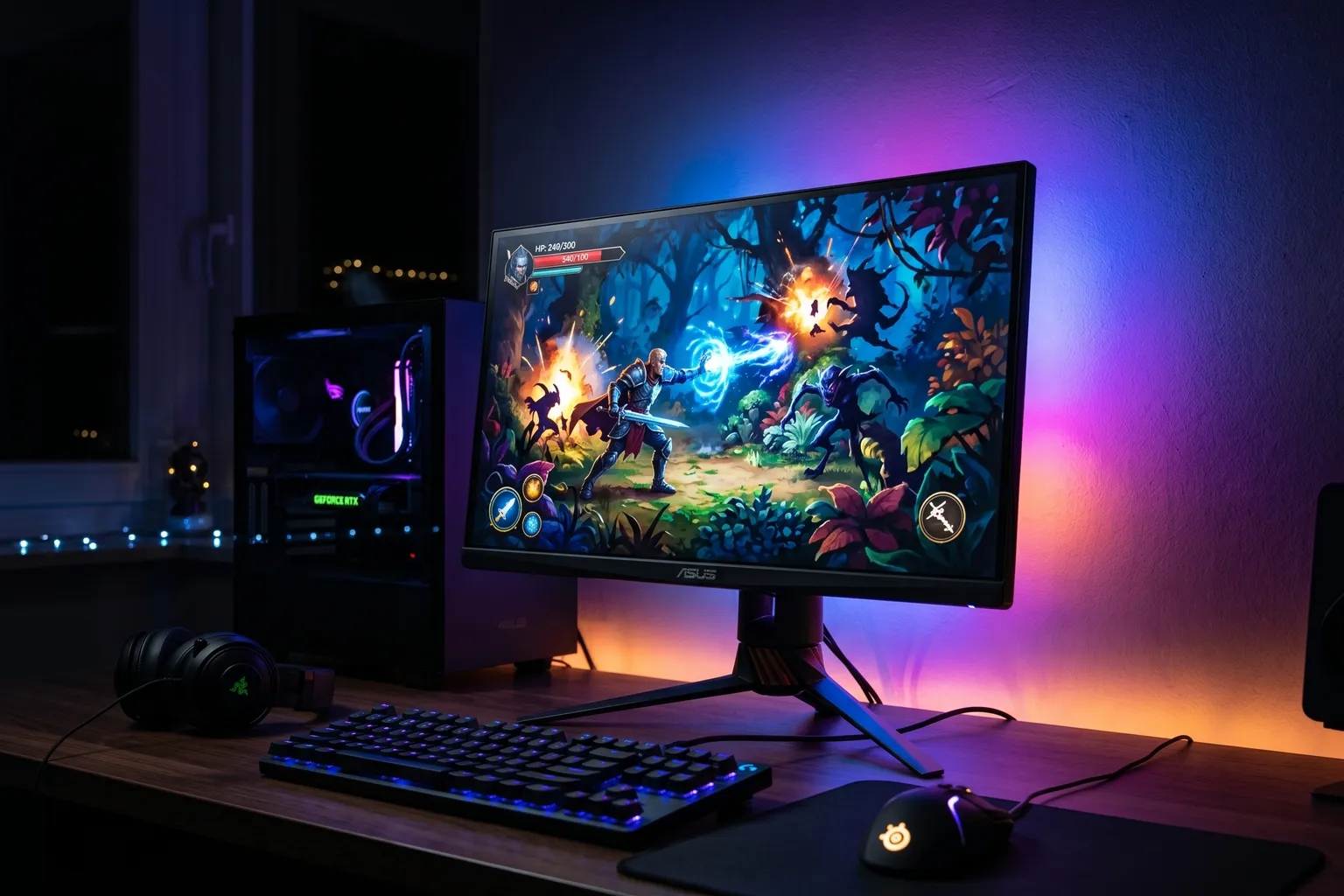
- The ASUS TUF Gaming VG27AQ3A is the value reference in budget 1440p gaming monitors — Fast IPS panel, 180Hz, dual G-Sync/FreeSync certification under $200.
- The LG 27G64NA-B pushes refresh rate instead of color gamut — 300Hz and HDR400 on a standard IPS panel, since LG moved Nano IPS upmarket at this size.
- For 1080p with high refresh rates: the AOC C27G2Z at 240Hz is the budget-friendly way to get high framerate gaming without spending more than $200.
- 1440p at 27 inches hits the right pixel density for gaming — sharper than 1080p without requiring the GPU horsepower that 4K demands.
- Don't buy a 4ms VA panel when 1ms IPS monitors are at the same price. IPS panels have won this fight in the budget segment.
The budget gaming monitor segment has gotten genuinely good. In 2026, under $250 gets you a 1440p IPS panel at 165Hz with proper ergonomics and G-Sync/FreeSync support. Three years ago that was a $400 purchase.
Here’s what’s worth buying at the budget tier.
Quick-Pick Table
| Monitor | Size | Resolution | Refresh | Type | Price |
|---|---|---|---|---|---|
| ASUS TUF Gaming VG27AQ3A | 27" | 1440p | 180Hz | Fast IPS | ~$170 |
| LG 27G64NA-B | 27" | 1440p | 300Hz | IPS | ~$210 |
| AOC C27G2Z | 27" | 1080p | 240Hz | VA Curved | ~$150–200 |
| Gigabyte G27F | 27" | 1080p | 144Hz | IPS | ~$150–180 |
| AOC Q27G3Z | 27" | 1440p | 240Hz | VA | ~$200–250 |
1. ASUS TUF Gaming VG27AQ3A — Best Budget 1440p Gaming Monitor
Buy on Amazon → | ~$170
Dell’s G-series budget gaming line, including the G2724D that held this spot, is gone from Amazon. The ASUS TUF Gaming VG27AQ3A is the current benchmark for budget 1440p gaming monitors — same idea, a different brand carrying it now.
The panel is Fast IPS — 1ms response time, 180Hz native refresh rate, 15Hz higher than the old Dell pick. At 1440p on a 27-inch screen, the pixel density is excellent: 109 PPI, which is noticeably sharper than 1080p at the same size.
G-Sync Compatible and AMD FreeSync Premium certified — compatible with both Nvidia and AMD GPUs for adaptive sync, the same dual certification the old Dell pick had. ASUS adds ELMB Sync on top, which lets its low-motion-blur backlight strobing run at the same time as variable refresh rate, instead of forcing a choice between the two.
ASUS doesn’t headline full pivot/swivel ergonomics on this model the way Dell did on the G2724D. If multi-axis stand adjustment matters to your desk setup, budget an extra $20–50 for a monitor arm rather than assume it’s included.
HDR support is HDR-10, not the certified DisplayHDR tiers the old Dell pick carried — treat it as a marketing checkbox rather than a real HDR experience, same caveat that applied before.
ASUS doesn’t match Dell’s old zero-dead-pixel guarantee on this model — standard warranty terms apply. Worth knowing if a flawless-panel guarantee mattered to your old Dell pick.
Specs: 27" Fast IPS | 2560×1440 | 180Hz | 1ms | HDR-10 | G-Sync Compatible | FreeSync Premium | ELMB Sync
Pros: Excellent price-to-performance, higher refresh than the old Dell pick, ELMB Sync, both sync standards
Cons: No confirmed multi-axis ergonomic stand, no zero-dead-pixel guarantee, HDR-10 is a basic implementation, no USB hub
Best for: The default recommendation for anyone buying a budget 1440p gaming monitor. The one to beat.
2. LG 27G64NA-B — Best High-Refresh Budget Monitor
Buy on Amazon → | ~$210
LG discontinued the 27GP850-B, and its Nano IPS color-gamut tech moved upmarket to LG’s OLED and 4K Ultragear lines rather than staying in this 27-inch QHD budget slot. The LG 27G64NA-B that replaced it in the lineup trades that color-gamut story for raw speed instead.
The specs: 27-inch, 1440p, 300Hz native, 1ms response. G-Sync Compatible + AMD FreeSync Premium certified. Color coverage is a standard 93% sRGB — good, not the wide-gamut DCI-P3 coverage the old Nano IPS model offered.
For gaming: what you’re paying the premium for now is frame rate, not color. 300Hz is nearly double the ASUS pick’s 180Hz, and VESA DisplayHDR 400 adds brighter highlights and deeper shadows that the ASUS’s basic HDR-10 doesn’t match.
That 300Hz is native, no overclock menu digging required — a real 120Hz jump over the ASUS TUF Gaming VG27AQ3A’s 180Hz cap, for players who can actually push frame rates that high.
LG doesn’t headline full ergonomic adjustment on this model’s Amazon listing — check the stand spec before assuming height/pivot/swivel are included, the same caution that applies to the ASUS pick.
Specs: 27" IPS | 2560×1440 | 300Hz | 1ms | 93% sRGB | DisplayHDR 400 | G-Sync Compatible | FreeSync Premium
Pros: Highest native refresh rate in this roundup, DisplayHDR 400 certified, both sync standards
Cons: Standard sRGB coverage rather than the old model’s wide-gamut Nano IPS panel, slightly more expensive than the ASUS pick, stand ergonomics unconfirmed
Best for: Gamers who want the highest refresh rate at 1440p in this roundup and can actually drive 300 FPS, or anyone who wants HDR400 without stepping up to OLED pricing.
3. AOC C27G2Z — Best Budget High-Refresh 1080p Monitor
Buy on Amazon → | ~$150–200
The AOC C27G2Z is the answer if your GPU can’t drive 1440p well and you want maximum framerate in 1080p. At 240Hz and 0.5ms MPRT, this is a fast monitor.
The panel is VA curved (1500R curve). VA panels have worse response times than IPS in theory, but the C27G2Z uses a fast VA panel that minimizes ghosting. The 240Hz refresh rate is the headline feature — if you’re playing CS2, Valorant, or any competitive game where you can push 200+ FPS, this monitor delivers the motion clarity benefit.
The curved 1500R curve works well at 27 inches — you notice the wrap-around effect when gaming at close distances.
The C27G2Z is genuinely one of the best value monitors for competitive gaming at budget prices. If framerate and low latency over visual quality is your priority, the math works.
What you give up: 1080p looks noticeably less sharp than 1440p at 27 inches. If you’re not consistently hitting 200+ FPS in your games, 240Hz doesn’t deliver its full benefit over 165Hz.
Specs: 27" VA curved (1500R) | 1920×1080 | 240Hz | 0.5ms MPRT | FreeSync | Height/pivot/swivel/tilt | HDMI 2.0 × 2 + DisplayPort 1.2
Pros: Exceptional value for 240Hz gaming, great for competitive play, full ergonomic stand, 3-year zero dead pixel warranty
Cons: 1080p resolution at 27" isn’t super sharp, VA panel has some ghosting on fast transitions, no G-Sync support
Best for: Budget competitive gaming builds, RTX 3060/4060 class builds where 1440p performance is inconsistent, CS2/Valorant/Apex players who can push 200+ FPS at 1080p.
4. Gigabyte G27F — Honest Budget IPS Alternative
Available on Amazon | ~$150–180
The Gigabyte G27F is a 27-inch 1080p IPS monitor at 144Hz. That sounds less impressive than the other options until you look at the price — this is often under $160, which makes it genuinely one of the most accessible quality gaming monitors available.
144Hz at 1080p looks and performs well for most gaming use cases. The IPS panel has 1ms MPRT response time and accurate colors for the price. No HDR worth mentioning, but the basic panel is solid.
For a first gaming monitor, a second monitor for a desk setup, or a monitor for a budget gaming PC (GTX 1660, RX 5500 class), the G27F works well without the 1440p GPU requirement.
5. AOC Q27G3Z — Budget 1440p High Refresh
Available on Amazon | ~$200–250
The Q27G3Z is the 1440p answer to the C27G2Z — same AOC quality, same high-refresh priority, but at 2560×1440 and 240Hz. VA panel, curved.
At this price point for 1440p 240Hz, it’s remarkably good value. The VA panel has the typical VA trade-offs (some ghosting, lower viewing angles than IPS) but the 240Hz refresh rate at 1440p is the standout feature.
For gamers who want the highest refresh at 1440p without reaching for OLED pricing, this is the pick.
Budget Gaming Monitor Buying Guide
1080p vs 1440p in 2026
The 1080p vs 1440p choice at the budget tier is easier to make in 2026 than it was in 2023:
Choose 1440p if: Your GPU (RTX 4070, RX 7700 XT, or better) can run your main games above 100 FPS at 1440p. The visual difference is meaningful and the price premium is small.
Choose 1080p if: Your GPU is a mid-tier or budget card (RTX 4060 or below, RX 7600 or below) and you need consistent high framerates in competitive games. At 1080p, more GPUs can push 200+ FPS for 240Hz monitors.
What “Fast IPS” and “Nano IPS” Actually Mean
Standard IPS: Good colors, 4ms typical response time. Old budget norm.
Fast IPS: Modified IPS process for 1ms response time. Same colors, faster. Most budget gaming monitors in 2026 are Fast IPS.
Nano IPS: LG’s technology adding nano phosphors for wider color gamut. Same speed as Fast IPS but better color accuracy. LG has largely moved it upmarket to OLED and 4K Ultragear models rather than keeping it in the 27-inch QHD budget tier.
The G-Sync / FreeSync Decision
“G-Sync Compatible” means the monitor has been Nvidia-certified for adaptive sync — important if you have an Nvidia GPU. “FreeSync Premium” is the AMD equivalent. Most modern monitors are certified for both — the ASUS TUF Gaming VG27AQ3A and LG 27G64NA-B have both.
If a monitor only has FreeSync, it technically still works with Nvidia cards but isn’t officially certified. For the most reliable experience, choose a monitor with both certifications.
Ergonomics Matter
A monitor with only tilt adjustment means you’re stuck with the stand as-is. Full ergonomic stands (height + tilt + swivel + pivot) let you find your ideal viewing position. At the budget tier, many monitors skip these. The AOC C27G2Z has a full ergonomic stand; check the current listing for the ASUS and LG picks above before assuming the same.
If you’re buying a monitor without full ergonomics, budget for a monitor arm ($20–50 on Amazon) to compensate.
Bottom Line
Best overall budget 1440p: ASUS TUF Gaming VG27AQ3A — the price-to-performance leader.
Best high refresh at 1440p: LG 27G64NA-B — 300Hz and DisplayHDR 400 for players who can push frame rates that high.
Best for competitive gaming: AOC C27G2Z — 240Hz at a price that leaves budget for GPU.
For the OLED tier at a higher budget, see our Best OLED Gaming Monitor 2026 roundup. And for the full setup context, check our Best Gaming Desk 2026 picks.