
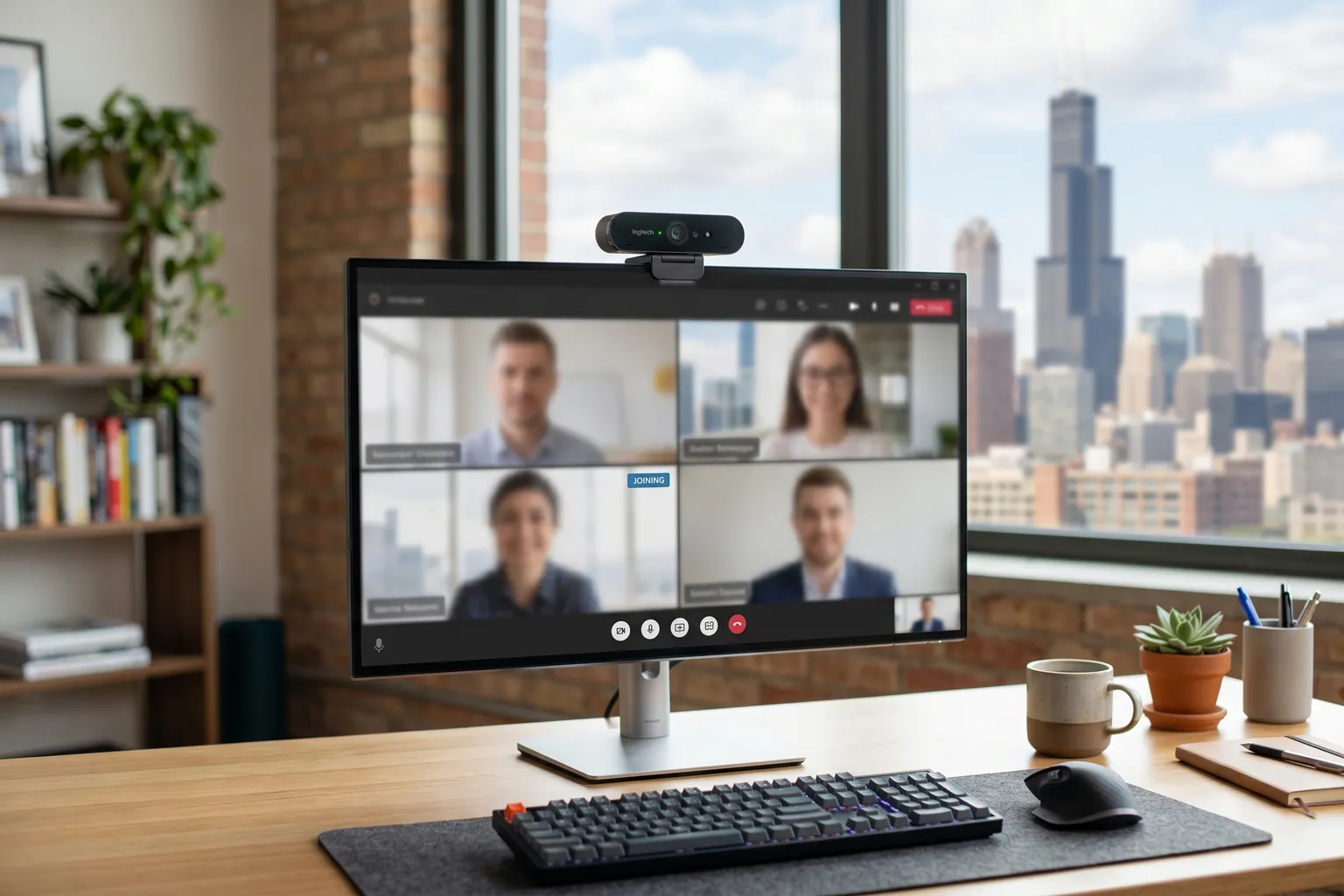
- Logitech C920s is still the benchmark at $70 — reliable autofocus, 1080p, good low-light. Hard to beat at the price.
- Anker PowerConf C300 punches above its price point with a wider field of view and better low-light than the C920 at similar cost.
- Avoid no-name webcams under $30 — the image processing and autofocus are consistently bad. Pay the extra $20 for something real.
- 1080p is sufficient for video calls. 4K is only necessary if you're streaming and want to crop/zoom in post, or if you need the detail for a dedicated streaming setup.
- Built-in microphone quality matters more than people realize — the mic in your webcam is what meeting attendees actually hear if you don't have a separate mic.
Quick pick: Logitech C920s at ~$70 for most people. If you need a wider field of view or you’re in a dim office, go Anker PowerConf C300 for roughly the same money.
I’ve spent enough time on video calls that look like they were filmed through a foggy window to know this matters. A bad webcam doesn’t just make you look unprofessional — it distracts people from whatever you’re saying. The $70 difference between a mediocre camera and a solid one pays for itself after a handful of meetings.
Budget webcams have gotten meaningfully better in the last few years. You don’t need to spend $200 to not look terrible on a Zoom call. But you do need to spend at least $40-50, and you need to pick the right one for your situation.
Here’s what I looked at across seven cameras covering $30 to $100.
Quick Comparison: Best Budget Webcams 2026
| Webcam | Price | Resolution | FOV | Low-Light | Best For |
|---|---|---|---|---|---|
| Logitech C920s | ~$70 | 1080p/30fps | 78° | Good | Best overall, most use cases |
| Anker PowerConf C300 | ~$80 | 1080p/60fps | 65°/78°/90° | Very good | Wide FOV, dim offices |
| Elgato Facecam | ~$100 | 1080p/60fps | 82° | Excellent | Low-light, no software processing |
| Razer Kiyo | ~$90 | 1080p/30fps | 81.6° | Good (with ring light) | Streaming, no external lighting |
| NexiGo N60 | ~$40 | 1080p/30fps | 90° | Fair | Budget 1080p, basic setup |
| Logitech C310 | ~$40 | 720p/30fps | 60° | Fair | Bare minimum, tight budget |
| Microsoft LifeCam HD-3000 | ~$30 | 720p/30fps | 68.5° | Fair | Ultra-budget, Teams/Zoom basics |
The Best Budget Webcam: Logitech C920s
1. Logitech C920s — Best Overall Under $100
Price: ~$70 | Check on Amazon
The C920s has been the default answer to “what webcam should I buy” for years, and it’s still the right answer for most people. That’s not inertia — it’s because Logitech genuinely nailed the fundamentals on this one.
The 1080p/30fps image is clean and consistently exposed in typical office lighting. Autofocus is fast enough that you don’t notice it working, which is exactly what you want. The dual stereo microphones pick up voice clearly without sounding tinny or hollow — if you’re not using a separate microphone, the built-in mics on the C920s are genuinely usable for calls.
Low-light handling is solid for a $70 camera. It won’t do miracles in a dark room, but in a typical dim home office it keeps a clear image rather than producing a grainy mess. The glass lens (vs plastic on many competitors) makes a real difference in image clarity.
The privacy shutter is the main difference from the C920 — physically covers the lens when you’re not using it. Simple, useful, and something I think every webcam should have.
Clip mount works on monitors and laptop screens. USB-A connection. Works plug-and-play on Windows and macOS without any software installation.
The one limitation: 30fps maximum. For smooth streaming you want 60fps, and the C920s doesn’t deliver that. For video calls, 30fps is perfectly fine — nobody’s going to notice.
Verdict: Buy this unless you have a specific reason not to. It’s reliable, it images well, and it’s been proven in real use across millions of remote workers.
2. Anker PowerConf C300 — Best for Wide FOV and Dim Offices
Price: ~$80 | Check on Amazon
Anker’s audio hardware has impressed me for a while, and the C300 is their webcam effort done right. A few things make it worth the $10 premium over the C920s.
The adjustable field of view — 65°, 78°, or 90° — is useful in ways that aren’t obvious until you have it. Want to show a whiteboard or some context behind you? Go wide at 90°. On a call where you want a tighter, more professional framing? Drop to 65°. Most webcams lock you into one FOV and that’s that.
Low-light is genuinely better than the C920s. The C300 uses AI-based enhancement that adds brightness without destroying detail, and in dim indoor conditions it holds its own against cameras $30-50 more expensive. If your home office is poorly lit and adding a lamp isn’t an option, this matters.
The 1080p/60fps capability is a step up from the C920s if you’re doing any streaming. Smoother motion, less blur on fast movement. For calls it’s irrelevant, but if you split time between meetings and streaming, it’s a point in the C300’s favor.
Microphone quality is competitive with the C920s — clear capture, decent noise rejection. Physical privacy cover included.
Verdict: The smart upgrade from the C920s if you want adjustable FOV or you’re in a dim environment. At $10 more, it’s not a hard call.
3. Elgato Facecam — Best Low-Light at the Budget Ceiling
Price: ~$100 | Check on Amazon
The Facecam sits at the top of this price range and earns its position. The reason to consider it over the C920s and C300 is the sensor and the optics — Elgato used a Sony STARVIS sensor here, which handles low-light better than anything else in this price tier. The f/2.8 aperture lens is standard, but the STARVIS sensor compensates with genuine sensitivity.
No software processing on the image. Elgato’s Camera Hub software gives you full manual controls — ISO, shutter speed, white balance — but the camera doesn’t apply automatic “enhancement” that smears detail and introduces artificial sharpening. What you get is a cleaner, more natural image than cameras that aggressively process.
1080p/60fps is smooth. Autofocus is reliable. The build quality feels more premium than anything else in this roundup — the housing is solid, the mount is sturdy, and it looks serious sitting on your monitor.
The tradeoff: no built-in microphone. Elgato’s choice. The argument is that anyone serious enough about video quality to buy a Facecam should have a dedicated microphone. I half-agree — but if you were hoping to use the webcam mic as a backup, you don’t get that here.
Also the most Windows-friendly at this tier — Elgato’s driver support is consistently good. Mac works fine too, but the Camera Hub software is better on Windows.
Verdict: The best-looking image in this roundup, and the right choice if you’re in a dim environment or care about image quality for streaming or recording rather than just calls.
4. Razer Kiyo — Best for Streaming Without Extra Lighting
Price: ~$90 | Check on Amazon
The Kiyo’s defining feature is obvious when you look at it: a built-in ring light around the lens. Not subtle. But if you’re streaming from a room that isn’t well-lit and don’t want to add a desk lamp or ring light stand to your setup, it solves the problem in one purchase.
The ring light has adjustable brightness — three levels. In testing environments, it provides enough fill light to significantly improve the image in dim rooms without making you look like you’re being interrogated. The light is diffused well enough that it’s not harsh.
Image quality without the ring light engaged is fine — comparable to the C920s with slightly warmer color reproduction. With the ring light, the image lifts noticeably in low-light. Autofocus is solid. 1080p/30fps.
The tradeoff for the ring light is bulk. The Kiyo’s circular design is noticeably larger than standard webcams and looks more conspicuous on your monitor. For a professional background on a business call, it reads a bit “streaming setup.” That’s fine for actual streamers; might raise eyebrows in a corporate video call context.
Microphone is decent — single mono mic rather than stereo, which is a slight step back from the C920s. Audible, clear, won’t embarrass you on a call.
Verdict: Buy it if you’re streaming from a dim room and want to avoid buying separate lighting. Skip it if you already have decent ambient light — the extra cost and bulk aren’t worth it, and the C920s images comparably with good light.
5. NexiGo N60 — Budget 1080p That Gets the Job Done
Price: ~$40 | Check on Amazon
The NexiGo N60 is the best argument for spending $40 on a webcam rather than $70. It’s 1080p, the autofocus works, and the built-in microphone is adequate for calls. If you’re on a strict budget and just need something that doesn’t look terrible on a Zoom meeting, it delivers that.
What it doesn’t deliver: the image quality of the C920s. The sensor and processing aren’t as refined, and it shows in mixed-lighting conditions where the C920s keeps a clean, consistent image and the N60 goes a bit mushy. Low-light is mediocre — usable in a decently lit room, rough when the light drops.
The 90° field of view is wider than most competitors at this price, which is useful for showing context in your workspace or fitting a wider shot.
No physical privacy cover. The microphone is fine for calls but you wouldn’t want to record audio with it for any serious purpose.
I’d characterize this as: better than any sub-$30 no-name webcam, meaningfully worse than the C920s, and priced reasonably for what it is. If $40 is the ceiling and you need 1080p, this is where to land.
Verdict: Honest budget pick. Gets 1080p working without costing $70. Don’t expect C920s image quality, because you won’t get it.
6. Logitech C310 — Entry Level for 720p
Price: ~$40 | Check on Amazon
The C310 is Logitech’s entry point and it’s been around long enough that the specs show their age. 720p at 30fps in 2026 is fine for calls, not great by modern standards, and the image quality is noticeably softer than 1080p cameras.
That said: it’s a Logitech. The autofocus works reliably, the build quality is good, and it’ll last several years. Plug-and-play compatibility is excellent across Windows, Mac, and Linux. The microphone is a mono unit — workable for calls, nothing more.
Why consider it over the NexiGo N60 at the same price? Reliability and Logitech’s driver support track record. Why pick the N60 instead? 1080p resolution at the same cost.
My honest take: for $40, you’re better off with the NexiGo N60 if you want 1080p. The C310 only makes sense if you specifically trust the Logitech brand or already have one and know what you’re getting into.
Verdict: Works. Not exciting. The NexiGo N60 gives you 1080p at the same price point, but the C310’s Logitech reliability record is real.
7. Microsoft LifeCam HD-3000 — Ultra-Budget Baseline
Price: ~$30 | Check on Amazon
At $30, the LifeCam HD-3000 is about as cheap as webcams get while still being from a recognizable company. It’s 720p, it works on Teams and Zoom, and it’ll keep you from looking like a blurry ghost on calls if you’re coming from a broken laptop camera.
It’s not a good webcam. It’s the minimum viable webcam. Color reproduction is flat, low-light is poor, the microphone is passable for the office intranet call but wouldn’t hold up in a client-facing situation. The autofocus is sluggish by modern standards.
Microsoft’s driver support for Teams integration is tight, which is the one genuine advantage — if your entire world is Microsoft 365 and Teams, this works without any friction.
Save another $10 and get the NexiGo N60 if you can. The jump from $30 to $40 is a bigger quality improvement than the jump from $40 to $70.
Verdict: The absolute floor for acceptable video call quality. Buy the NexiGo N60 for $10 more if you can stretch it. This is a last-resort recommendation.
What Actually Matters When You’re Picking a Budget Webcam
Resolution: 1080p is the right answer for 2026. 720p is technically sufficient for video calls but noticeably worse. 4K is overkill for calls — see our 4K webcam roundup if that’s what you need.
Autofocus: This is the feature that separates decent webcams from frustrating ones. Slow or hunting autofocus makes you look soft and distracted on calls. Every camera in this roundup has functional autofocus; the C920s and Elgato Facecam are best in class at these prices.
Low-light performance: Related to sensor quality and aperture. The Elgato Facecam and Anker C300 are the best in this roundup for dim environments. The NexiGo N60 and C310 struggle when light drops.
Field of view: Wider (90°) shows more of your environment. Narrower (60°) gives a tighter, more professional-looking frame. Most people are fine with 70-80°. The Anker C300’s adjustable FOV is the best solution to not knowing what you want.
Built-in microphone: Underrated feature. If you don’t have a separate mic, the webcam mic is what people hear on your calls. The C920s and Anker C300 have the best built-in audio in this roundup.
Frame rate: 30fps is fine for calls. 60fps matters for streaming. If streaming is part of your use case, the Anker C300 or Elgato Facecam are the only ones here that deliver 1080p/60fps.
What to Skip
Don’t buy a no-name webcam under $30. I’ve looked at enough of these to say confidently: the autofocus breaks down, the image processing is bad, and the color is wrong in ways that make you look unwell on calls. The $10-20 savings is not worth looking visibly bad in front of colleagues or clients. The Microsoft LifeCam HD-3000 is the floor for anything I’d recommend — at least it comes from a company that maintains drivers and knows what a video call should look like.
Don’t buy a 4K webcam for video calls alone. Zoom, Teams, and Google Meet cap video at 1080p in most conditions. A 4K webcam will be downscaled. Spend that extra money elsewhere — a decent lamp and a $70 C920s will do more for your appearance on calls than a $200 4K webcam in a dim room.
My Recommendation by Situation
“Just need a good webcam for calls”: Logitech C920s. Done.
“My office is dim and I don’t want to add lighting”: Anker PowerConf C300 or Razer Kiyo. C300 if you’re also doing calls, Kiyo if you’re primarily streaming.
“I want the best image quality possible at this price”: Elgato Facecam. Buy a cheap desk lamp while you’re at it.
“I need something for Teams on a tight budget”: NexiGo N60 at $40. Skip the LifeCam if you can spend the extra $10.
“I do streaming and need 60fps”: Anker PowerConf C300 or Elgato Facecam.
If you’ve outgrown the 1080p tier entirely, check out our companion roundup: Best 4K Webcam 2026.
FAQ
What is the best budget webcam in 2026?
The Logitech C920s at around $70 is still the default answer. It’s been the benchmark because it genuinely works — reliable autofocus, a clean 1080p image, and zero-friction plug-and-play on Windows and Mac. The Anker PowerConf C300 is the upgrade if you want adjustable FOV or you’re in a dim environment.
Is a webcam better than a laptop camera?
Almost always, yes. Laptop cameras are engineered around thinness, not image quality. Most are 720p with mediocre low-light and limited autofocus. A $70 C920s will look dramatically better. The exception is recent MacBooks with Center Stage — their cameras are genuinely good, but even those benefit from better positioning control a dedicated webcam gives you.
Do I need a 4K webcam for Zoom?
No. Zoom, Teams, and Google Meet cap video at 1080p under standard conditions, often lower depending on bandwidth. 4K webcams make sense for streaming (post-production cropping flexibility) or local recording. For video calls, 1080p is the right target.
What makes a webcam good in low-light?
Aperture and sensor quality. Wider apertures (lower f-number) let in more light — budget webcams typically sit around f/2.8. Better sensors extract more detail from available light without amplifying noise. The Elgato Facecam’s STARVIS sensor and the Anker C300’s AI enhancement are the best approaches in this price range.
Can I use a DSLR or mirrorless camera as a webcam?
Yes — most modern cameras can output via HDMI and connect through a capture card. The image quality is dramatically better than any dedicated webcam. Add a capture card like the Elgato Cam Link ($50-150) to your existing camera and you’re set. The trade-off is battery drain during long calls and setup complexity.