
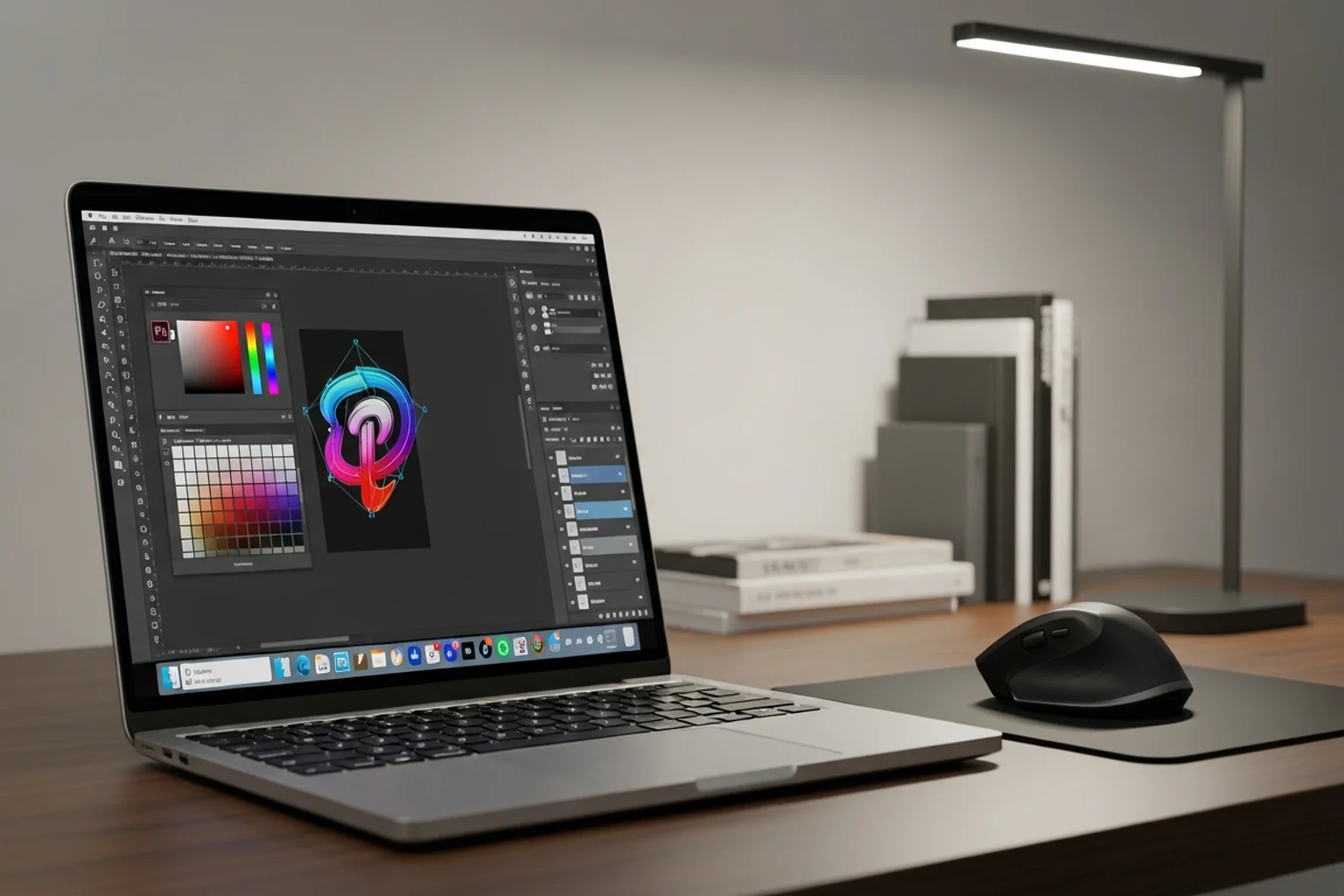
Graphic design is one of the workloads where display quality is as important as raw performance. A fast laptop with a mediocre screen is a bad graphic design laptop. A slightly slower machine with exceptional color accuracy and display calibration is a significantly better tool.
This changes the evaluation matrix compared to, say, choosing a laptop for coding or gaming. I evaluate design laptops with that lens: processor speed matters, but only after the display passes the test.
Here’s the field.
Quick Comparison
| Laptop | Display | CPU | RAM | Best For | Price |
|---|---|---|---|---|---|
| MacBook Pro 14" M5 Pro | 14.2" Liquid Retina XDR, P3 | M5 Pro 15-core | 24GB unified | Best overall | ~$2,349 |
| ASUS ProArt Studiobook 16 OLED | 16" 3.2K OLED, PANTONE | i9-13980HX | 16–32GB | Best Windows | ~$1,800–2,200 |
| Microsoft Surface Laptop 5 | 13.5" PixelSense, sRGB | Intel Core i7-12th gen | 16GB | Portability, lighter work | ~$1,200–1,600 |
| MacBook Pro 14" M3 Max | 14.2" Liquid Retina XDR | M3 Max 14-core | 36GB | Heavy 3D + motion work | ~$2,800+ |
1. Apple MacBook Pro 14" M5 Pro — Best Laptop for Graphic Design
Buy on Amazon → | ~$2,349
The M5 Pro MacBook Pro is the answer I give to most designers asking for a laptop recommendation, and the reasoning is concrete.
The display. The 14.2" Liquid Retina XDR covers the P3 wide color gamut with factory calibration. Brightness hits 1,000 nits sustained (1,600 nits peak HDR). The pixel density (254 ppi) means vector artwork and high-resolution comps look as sharp on the laptop as they will when printed. ProMotion (adaptive refresh to 120Hz) makes scrolling and cursor movement feel liquid. Color accuracy out of the box is excellent — you can verify with a colorimeter and typically find it within close tolerances without software profiling.
Adobe Creative Cloud performance. As of 2026, all major Adobe apps — Photoshop, Illustrator, InDesign, After Effects, Premiere Pro — have native Apple Silicon builds. The performance is excellent. Large Photoshop files (300–500MB+) open, render, and filter faster than comparable Windows machines at the same price. Illustrator handles complex multi-artboard files without the spinning beach ball that plagued earlier Mac versions.
Battery life. Designers often work away from desks. The M5 Pro MacBook Pro delivers 8–12 hours of real-world battery life for design work — not just browsing, but actual Photoshop and Illustrator sessions. This is possible because Apple Silicon’s efficiency architecture means the CPU and GPU consume far less power at equivalent performance levels than Intel or AMD x86 processors.
Practical constraint: 24GB unified memory, up from the previous generation’s 18GB. For design work with Photoshop, Illustrator, and a browser open simultaneously: very comfortable. For adding After Effects and Premiere to the mix: still workable, though heavy motion work will push it. Consider upgrading further at checkout if your workflow includes motion work alongside design.
Portability: 3.5 lbs. 14-inch form factor. Travels well.
Specs: Apple M5 Pro | 15-core CPU, 16-core GPU | 24GB unified memory | 14.2" Liquid Retina XDR | 254 ppi | P3 wide color | 1,000 nits sustained brightness | HDMI, SD card, 3x USB-C/Thunderbolt | ~$2,349
Pros: Exceptional display, long battery life, excellent Adobe Creative Cloud performance, strong portability, more headroom than the previous generation’s 18GB
Cons: Soldered RAM (can’t upgrade later), price increase over the previous generation
2. ASUS ProArt Studiobook 16 OLED — Best Windows Laptop for Graphic Design
Buy on Amazon → | ~$1,800–2,200
The ProArt Studiobook is ASUS’s serious creative workstation line, and the 16 OLED is the model that justifies the “ProArt” name most convincingly.
The OLED display. A 16" panel at 3,200×2,000 resolution (239 ppi) with OLED technology. OLED means perfect blacks, infinite contrast ratio, and wide color gamut — this panel covers 100% DCI-P3. ASUS includes PANTONE color validation and a hardware calibration partnership that makes this display genuinely accurate for professional color work. The hardware calibration is worth calling out specifically: software calibration (ICC profiles) can compensate partially for display inaccuracies; hardware calibration corrects at the panel level for more reliable results.
For graphic designers moving between monitor and laptop display and needing consistent color: the ProArt Studiobook 16 OLED is the best Windows option for achieving this consistency.
Processing power. Intel Core i9-13980HX is a 24-core processor with strong single-core performance — Illustrator’s single-threaded nature benefits from this. NVIDIA RTX 4060 handles GPU-accelerated filters in Photoshop, 3D previews in Dimension, and any motion/video work that’s adjacent to design.
Portability tradeoffs. At 4.4 lbs and with thick-by-2026-standards form factor, this is a desk-replacement machine rather than a travel laptop. Battery life under design workloads is 2–4 hours — not surprising for a high-performance Windows machine, but the MacBook Pro comparison is stark. Bring the charger.
Who the ProArt is for: Windows-committed designers, designers using 3D tools (Blender, Cinema 4D, Dimension) that benefit from NVIDIA GPU, studios standardized on Windows, and designers for whom the larger 16" display is a genuine daily benefit.
Specs: Intel Core i9-13980HX | NVIDIA RTX 4060 8GB | 16–32GB DDR5 | 16" 3.2K OLED | PANTONE validated | HDMI, SD card, USB-C/Thunderbolt | ~4.4 lbs | ~$1,800–2,200
Pros: Best Windows display for color work, OLED panel quality, strong CPU/GPU performance, large screen
Cons: Short battery life, heavy, not ideal for mobile work
3. Microsoft Surface Laptop 5 — Best for Portability and Lighter Design Work
Buy on Amazon → | ~$1,200–1,600
The Surface Laptop 5 is a different kind of choice on this list. It’s not the most powerful design laptop. But it’s the most elegant Windows machine for designers who need something that fits in a bag, looks professional in client meetings, and handles typical design software without making the experience unpleasant.
Why it makes sense for some designers: Not everyone who does graphic design is running 500MB Photoshop files with 50 layers. Logo designers, brand identity designers, social media creators, and designers who primarily work in Figma, Sketch, or lighter Illustrator files will find the Surface Laptop 5 entirely adequate — and will appreciate the 2.8-pound weight and the premium build quality (Alcantara top, aluminum base) more than they’d appreciate the raw benchmark numbers.
The display. PixelSense at 2256×1504 (201 ppi). It’s sRGB, not P3 wide gamut — this is the legitimate limitation for color-critical work. Designers doing print work or brand work that needs PANTONE/P3 accuracy will find the Surface Laptop 5’s display restrictive. For digital-first work where sRGB is the delivery standard (web design, UI/UX, social media), the display is fine.
Intel Core i7-12th gen is competent for most design tasks. It won’t match the M5 Pro’s performance, but for non-rendering-heavy work (layouts, vector work, Figma) the difference isn’t felt in daily use.
16GB RAM is adequate for typical design workflows. The SSD is fast.
Who this is for: Designers who prioritize portability and form factor, UX/UI designers primarily in Figma, designers who work alongside a calibrated external monitor (and use the Surface as a portable secondary), and professionals for whom “thin and professional-looking” is a real requirement.
Who should look elsewhere: Print designers and brand designers needing P3 display accuracy; anyone doing heavy photo editing or compositing; designers who run render-heavy workflows.
Specs: Intel Core i7-1265U | Intel Iris Xe graphics | 16GB LPDDR5x | 256–512GB NVMe | 13.5" PixelSense (2256×1504) | 2.8 lbs | USB-C, USB-A, Surface Connect | ~$1,200–1,600
Pros: Best-in-class portability for Windows, premium build quality, excellent for UI/web design, professional aesthetic
Cons: sRGB display limits print/brand color work, Intel integrated graphics limits GPU-heavy tasks, less raw power than MacBook Pro or ProArt
4. MacBook Pro 14" M3 Max — For Designers with Motion/3D Work
Buy on Amazon → | ~$2,800+
Most graphic designers don’t need the M3 Max. But if your design work bleeds into motion graphics (After Effects), 3D (Cinema 4D, Blender, Dimension), or high-resolution print with multi-layer Photoshop files exceeding 1GB — the M3 Max is the laptop that removes performance ceilings.
36GB unified memory means you won’t feel RAM pressure even with multiple heavy apps open simultaneously. The 30-core GPU handles real-time 3D viewport performance and GPU-accelerated effects in After Effects that would cause dropped frames or extended render waits on the M5 Pro.
For designers whose workflow is primarily 2D and medium complexity: the M5 Pro is better value. For designers whose workflow is legitimately complex and who would feel the M5 Pro’s limits within six months: the M3 Max is worth the premium.
Display Calibration: Why It Matters More Than Specs
I want to make a specific point about display calibration because it matters more for graphic design than almost any other laptop use case.
A display specification saying “100% sRGB” or “covers 98% DCI-P3” describes the gamut the panel can display. It doesn’t describe how accurate it is by default. An uncalibrated wide-gamut display can look beautiful while showing colors that don’t match what you’d see on a print output or a calibrated client monitor.
Both the MacBook Pro (factory calibration) and the ASUS ProArt Studiobook (hardware calibration with PANTONE validation) address this. The Surface Laptop 5, with a narrower sRGB gamut but typically accurate rendering within that gamut, is acceptable for digital-delivery workflows.
If you’re buying a laptop not on this list and color accuracy is critical to your work: invest in a hardware colorimeter (X-Rite i1Display Studio, ~$150–200) and profile your display. The improvement in color consistency is worth more than many hardware upgrades.
For laptop picks specifically oriented toward video editing workflows, see our Best Laptop for Video Editing 2026.