
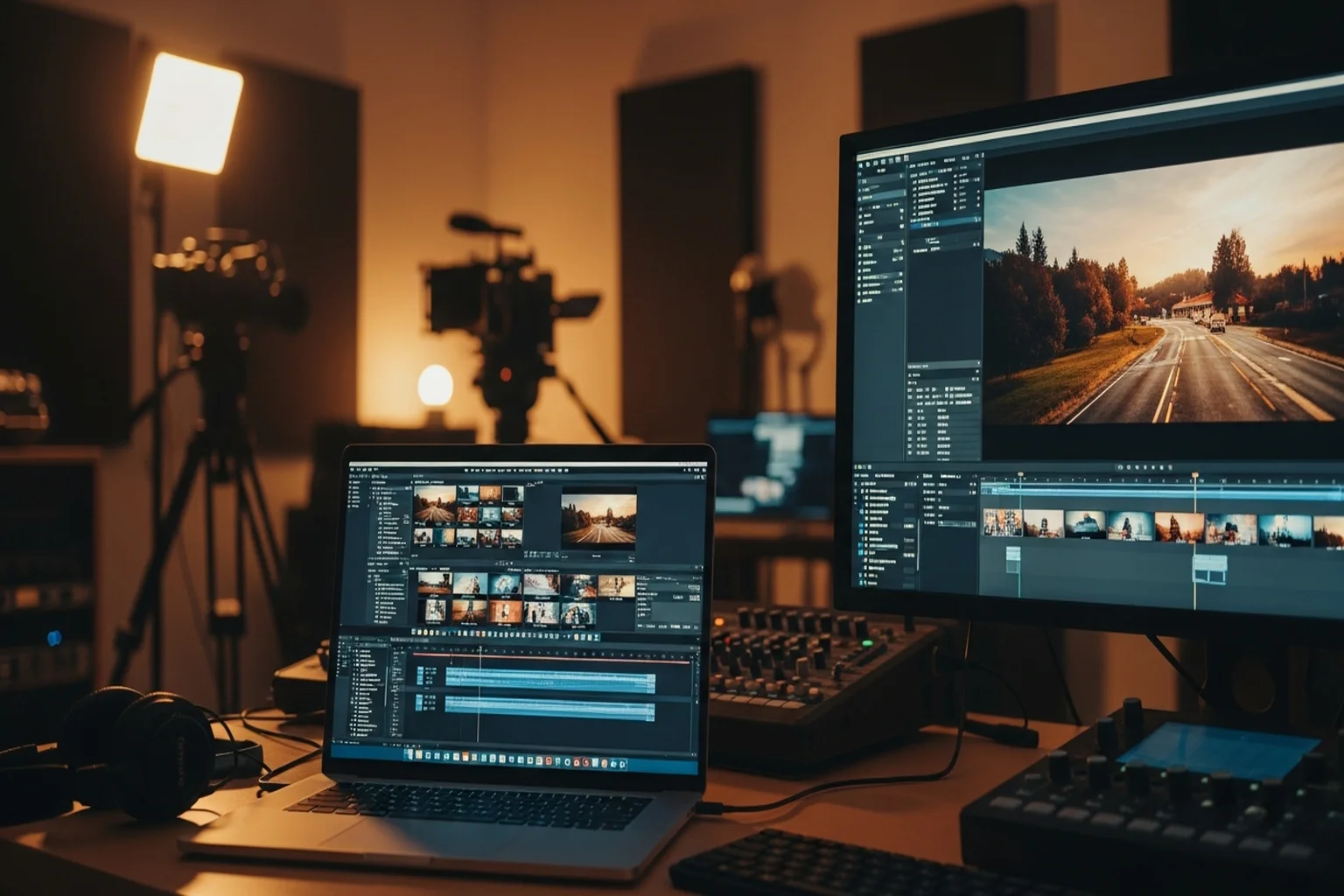
Video editing laptop recommendations changed significantly when Apple released M5 Silicon. Not in a “the old advice is outdated” way — in a “the performance per watt, per dollar, and per pound has genuinely shifted the category” way.
The MacBook Pro M5 Pro is now the default recommendation for most video editors who don’t have Windows-specific workflow requirements. That’s a concrete, defensible position — not brand loyalty. The benchmark data and real-world reports from professional editors back it up.
But that doesn’t mean nothing else is worth considering. Here’s the full picture.
Quick Comparison
| Laptop | CPU | GPU | RAM | Best For | Price |
|---|---|---|---|---|---|
| MacBook Pro 14" M5 Pro | M5 Pro (15-core) | M5 Pro GPU (16-core) | 24GB | Best overall | ~$2,349 |
| MacBook Pro 14" M5 | M5 (10-core) | M5 GPU (10-core) | 16GB base | Entry-level Mac editing | ~$1,889 |
| MacBook Pro 14" M3 Max | M3 Max | M3 Max GPU (30-core) | 36GB | Pro/8K workflows | ~$2,800+ |
| ASUS ProArt Studiobook 16 OLED | i9-13980HX | RTX 4060 | 16GB | Best Windows option | ~$1,800–2,000 |
1. Apple MacBook Pro 14" M5 Pro — Best Laptop for Video Editing
Buy on Amazon → | ~$2,000–2,200
The M5 Pro MacBook Pro is where I’d send any video editor who doesn’t have Windows-specific requirements.
The performance case: M5 Pro’s neural engine handles ProRes transcoding at rates that used to require dedicated hardware. Export times in Final Cut Pro are significantly faster than comparable-priced Windows laptops. DaVinci Resolve runs smoothly on 4K multicam projects that would stutter on laptops with traditional discrete GPU architectures. This isn’t theoretical — it’s measurable and consistent across third-party benchmarks.
The display: Liquid Retina XDR, 1,000 nits sustained brightness (1,600 nits peak), hardware-calibrated, covers P3 wide color gamut. For color grading work, the display quality is exceptional. Most Windows laptops in this price range use LCD panels with worse black levels and narrower color gamut — the OLED on the ASUS ProArt is the only direct competitor.
Battery life for a video editing laptop is unusual territory: the M5 Pro MacBook Pro gets real-world editing battery life of 5–8 hours. Windows laptops of comparable performance get 2–4 hours while editing. This is because Apple Silicon’s efficiency architecture consumes far less power at the same performance level.
Thermal management: the M5 Pro uses active cooling (two fans, unlike the fanless MacBook Air). Under sustained rendering or export, it maintains performance without thermal throttling. Long exports on the M5 Pro finish at full speed; the same exports on the MacBook Air M5 may slow down halfway through as thermals kick in.
Unified memory architecture: 24GB unified memory on the M5 Pro behaves like more than 24GB of traditional RAM because the GPU and CPU share the same fast pool. For video editing specifically, which is both CPU and GPU-intensive, this is a real architecture advantage.
Limitations: 24GB is more comfortable than the previous generation’s 18GB, but very heavy 8K workflows or dense multicam projects can still push it. The M3 Max (36GB) addresses this. The base MacBook Pro M5 (not Pro chip) has less memory bandwidth than the M5 Pro — a meaningful real-world difference. The price premium for M5 Pro vs. base M5 is justified for serious editing.
Specs: Apple M5 Pro chip | 15-core CPU / 16-core GPU | 24GB unified memory | Up to 4TB SSD | 14.2" Liquid Retina XDR display | MagSafe charging | HDMI, SD card slot, USB-C | ~3.5 lbs | ~$2,349
Pros: Exceptional video editing performance, best display in class, best battery life, Final Cut Pro native support
Cons: macOS only (no Windows apps without virtualization), 18GB unified memory may be limiting for 8K workflows
2. MacBook Pro 14" M3 Max — Best for Pro/8K Workflows
Buy on Amazon → | ~$2,800–3,500
For editors working with 8K footage, RED RAW, multi-stream 4K ProRes, or projects involving heavy compositing and effects — the M3 Max is the machine.
36GB unified memory is where this chip separates from the M5 Pro. Projects that bring the M5 Pro to its knees — very high multicam streams, RED 8K raw editing, 3D compositing alongside color work — run comfortably on the M3 Max. The 30-core GPU provides GPU acceleration that competes with dedicated RTX 4090 laptop cards on Apple-optimized workloads.
The performance ceiling of the M3 Max in Final Cut Pro is genuinely staggering by laptop standards. Real-time playback of compressed 8K at full resolution is possible. Export times for long-form content are dramatically faster than any other laptop on the market.
The price is significant ($2,800+) and most video editors don’t need this level of performance. For feature film editors, high-end commercial producers, and anyone regularly working with RAW 8K or above: the M3 Max is the right tool.
Specs: Apple M3 Max chip | 14-core CPU / 30-core GPU | 36GB unified memory | 14.2" Liquid Retina XDR | 14+ hours battery (Apple estimate) | ~$2,800+
3. ASUS ProArt Studiobook 16 OLED — Best Windows Laptop for Video Editing
Buy on Amazon → | ~$1,800–2,200
For Windows users — and there are legitimate reasons to be a Windows video editor in 2026 — the ProArt Studiobook 16 OLED is the best option at this price point.
The display is the headline feature. A 16" 3.2K OLED panel with PANTONE color validation and hardware calibration. OLED means perfect blacks, infinite contrast ratio, and exceptional color accuracy. The 3.2K resolution at 16" gives you sharp playback even at 4K preview resolution. For color grading work on Windows, this display is the competition’s benchmark.
The Intel Core i9-13980HX is a 24-core (8P + 16E) processor that handles CPU-intensive tasks well — Premiere Pro timeline rendering, encoding, LUT processing. Paired with NVIDIA RTX 4060 (8GB VRAM), DaVinci Resolve’s GPU acceleration works properly: CUDA-based noise reduction, OpenFX effects, and Smart Reframe all run at full speed.
16GB DDR5 is the base configuration — for 4K editing, this is workable but tight with multiple applications open. Check configurations with 32GB if available in your market; the upgrade is worth it for sustained editing sessions.
The ASUS ProArt software ecosystem includes color calibration tools and driver profiles optimized for creative work. It’s not just a gaming laptop with a creative-sounding name — the software and display are genuinely tuned for color-accurate work.
Battery life: realistically 2–3 hours under editing load. Bring the power adapter.
Specs: Intel Core i9-13980HX | NVIDIA GeForce RTX 4060 (8GB) | 16–32GB DDR5 | 16" 3.2K OLED (3200×2000) | PANTONE validated | USB-C, HDMI, SD card | ~4.4 lbs | ~$1,800–2,200
Pros: Exceptional OLED display for color work, NVIDIA GPU for CUDA acceleration, strong CPU performance
Cons: Battery life is short under load, heavier than MacBook Pro, 16GB base RAM may be limiting
4. MacBook Pro 14" M5 (Base) — Entry-Level Mac Video Editing
Buy on Amazon → | ~$1,889
Apple replaced the base M5 MacBook Pro with the base M5, and it’s faster than most people assume. For solo projects editing 1080p or single-stream 4K in Final Cut Pro or DaVinci Resolve, it performs well. The display is the same Liquid Retina XDR as the Pro model.
The gap with the M5 Pro version: lower memory bandwidth, fewer GPU cores (10 vs. 16), and less headroom for complex timelines. These differences compound on large projects.
My honest take: if a few hundred dollars is the difference between the base M5 and M5 Pro, buy the M5 Pro. The performance gap for video editing is meaningful, and video editing is one of the workloads where buying at the limit of your budget now beats needing to upgrade sooner.
If the price gap to the M5 Pro is a real budget constraint: the base M5 is a capable machine. Just know what you’re getting.
Buying Guide: What Specs Actually Matter
RAM: 16GB is the minimum for comfortable 4K editing. 32GB (or 24GB unified on M5 Pro) for professional workflows. 8K or heavy compositing: 32GB+ is necessary.
GPU: Dedicated GPU for DaVinci Resolve and Premiere Pro. NVIDIA RTX 4060 8GB is a good baseline for Windows. Apple’s GPU cores in M5 Pro/Max handle GPU-accelerated tasks natively for macOS apps.
Display: Look for 90%+ DCI-P3 coverage, hardware calibration capability, and at least 400 nits brightness. OLED (Studiobook) and Liquid Retina XDR (Apple) are the current standards.
Storage: 512GB minimum, 1TB preferred. Video files are large and fill drives quickly. Plan for external storage for archives.
CPU: Modern architecture matters more than clock speed. M5 Pro, Intel Core i9-13th gen, or AMD Ryzen 9 7000-series are all strong for video editing.
For comparison with graphic design laptop picks, see our Best Laptop for Graphic Design 2026 guide — significant overlap in recommendations but some different priorities.