
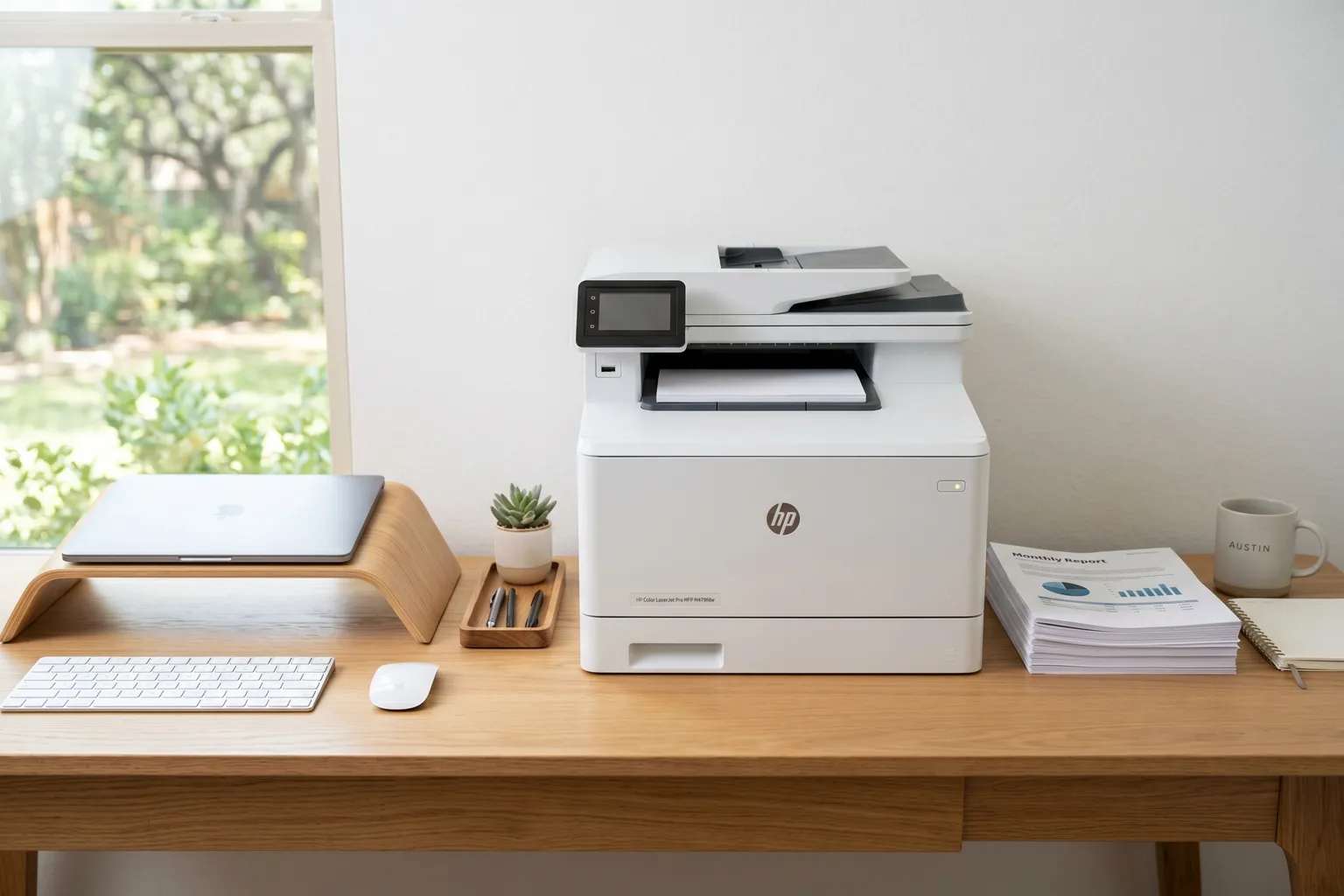
- Laser printers cost 2-4x less per page than inkjet printers for text documents — if you print more than 50 pages a month, the math favors laser.
- Laser toner doesn't dry out between print jobs the way inkjet ink does — irregular printers should strongly consider laser for this reason alone.
- For photos, laser printers are the wrong tool. Period. Check the best photo printer roundup if that's your use case.
- The Brother DCP-L2640DW is the best monochrome laser for home and small office use — reliable, fast, and the cost per page is genuinely low.
- Color laser printers cost more per page than monochrome — if you're printing mostly black text with occasional color, a monochrome laser plus a cheap photo printer often beats a color laser on total cost.
Laser printers are boring. That’s the pitch.
They’re not exciting. They’re not creative. The print quality for photos is somewhere between “not great” and “actively bad.” But for the thing most people actually need a printer to do – print text documents reliably, quickly, and cheaply – they’re better than inkjet in almost every way.
The cost-per-page argument is real. A decent inkjet printer running standard cartridges costs $0.05-0.15 per page for basic black text. A monochrome laser printer does the same page for $0.01-0.03. If you’re printing 200 pages a month, that’s a $24 to $144 annual difference. At 500 pages a month, the laser printer pays for itself inside a year.
The other thing nobody mentions: inkjet ink dries out. If you print twice a week, you’ll clean clogged print heads regularly, waste ink on cleaning cycles, and eventually replace cartridges that dried out before they were half empty. Laser toner doesn’t dry out. Print once a month. The toner doesn’t care.
The important caveat first: laser printers are wrong for photos. If photo printing is your thing, go read the best photo printer roundup instead. You need an inkjet for that. Also, if you want the full inkjet vs. laser breakdown with cost modeling, the inkjet vs. laser printer comparison has the details.
For everyone else printing documents, school work, contracts, labels, and the occasional spreadsheet – laser is the answer, and here are the eight worth buying.
Quick Comparison Table
| Printer | Type | Speed | Duplex | Wireless | Price |
|---|---|---|---|---|---|
| Brother DCP-L2640DW | Mono Laser AIO | 36 ppm | Yes | Yes | ~$210 |
| HP LaserJet Pro M404dn | Mono Laser | 40 ppm | Yes | No (Ethernet) | ~$350 |
| Brother MFC-L2750DW | Mono Laser MFP | 36 ppm | Yes | Yes | ~$200 |
| Canon Color imageCLASS MF656Cdw | Color Laser AIO | 22 ppm | Yes | Yes | ~$350 |
| HP Color LaserJet Pro 3201dw | Color Laser | 26 ppm | Yes | Yes | ~$220 |
| Brother HL-L8430CDW | Color Laser | 33 ppm | Yes | Yes | ~$437 |
| Lexmark MS431dw | Mono Laser | 42 ppm | Yes | Yes | ~$200 |
| HP LaserJet M110w | Mono Laser | 21 ppm | No | Yes | ~$130 |
1. Brother DCP-L2640DW — Best Overall Monochrome Laser
Brother DCP-L2640DW — ~$210
Brother replaced the HL-L2395DW with the DCP-L2640DW, and this is still the recommendation I give everyone who asks me what laser printer to buy.
It’s a genuine 3-in-1: laser printer, scanner, and copier, with dual-band wireless (2.4GHz/5GHz), Ethernet, and USB. 36 pages per minute for text documents, unchanged from the old model. A 50-page automatic document feeder handles multi-page scans and copies without you standing over it feeding pages one at a time – a real improvement over the old model.
What makes it the default recommendation isn’t any single spec – it’s the combination of reliability, value, and ecosystem. Brother’s TN830 and TN830XL toner keep ongoing costs reasonable, and the Refresh EZ Print subscription is worth a look if you print enough to want automatic toner delivery. The setup process is straightforward. The wireless connection holds. It prints when you tell it to print.
That sounds like a low bar. It isn’t. The number of printers that fail the “prints when you tell it to” test is genuinely embarrassing.
At around $210, it costs more than the old HL-L2395DW did, but it’s still one of the cheaper printers on this list. For home users and small offices with moderate print volume, nothing here beats it on value.
2. HP LaserJet Pro M404dn — Best for Office/Business Use
HP LaserJet Pro M404dn — ~$350
The M404dn is the wired office printer. Not wireless – Ethernet and USB only. That’s intentional: for offices with fixed workstation setups and managed networks, wired printing is faster, more reliable, and easier to manage than wireless.
40 pages per minute. Auto duplex. Gigabit Ethernet. Support for HP’s print management and security tools, which matter in enterprise environments where you need printer access logs, user authentication, and fleet management. The M404dn integrates cleanly with HP’s management ecosystem in a way consumer printers don’t.
Security is a real consideration here that home printer buyers ignore: shared office printers are a known vulnerability. The M404dn supports HP’s Sure Start BIOS, whitelisting features, and runtime intrusion detection – overkill for most home offices, essential for businesses handling sensitive documents.
First-page-out time is 5.4 seconds. It doesn’t sit around warming up. In a busy office environment where people expect to walk up to the printer and have their document in hand, that matters.
At $350, it’s priced for business. But it’s worth it for environments where downtime and security actually cost money.
3. Brother MFC-L2750DW — Best Monochrome Multifunction
Brother MFC-L2750DW — ~$200
Print, scan, copy, and fax. All four. Wireless. Automatic duplex on all functions.
The MFC-L2750DW is the printer for people who need a real multifunction machine and don’t want to pay color laser prices. Thirty-six pages per minute for printing. The flatbed scanner handles documents and photos up to letter size with 1200 dpi optical resolution. The 50-sheet automatic document feeder handles multi-page scans without babysitting.
The 2.7-inch color touchscreen is a genuine improvement over the button-only interfaces on older printers. Navigating scan settings and copy options without a computer is actually manageable.
Fax: yes, it’s 2026, and yes, some industries – healthcare, legal, real estate – still require fax. The MFC-L2750DW handles it.
This is the pick if the DCP-L2640DW isn’t quite enough – specifically if you need fax in the same machine, or want the flexibility of a full-featured MFP without the color laser premium.
4. Canon Color imageCLASS MF656Cdw — Best Color All-in-One for Home Office
Canon Color imageCLASS MF656Cdw — ~$350
Color laser for home offices is a real category, and Canon’s MF656Cdw is the right answer for it.
Print, scan, copy, and fax in color. Wireless. Auto duplex. 22 pages per minute in color (which is standard for color laser at this price – the four-color toner process is inherently slower than mono). The color output is accurate and consistent for business documents – charts, presentations, marketing materials.
Color accuracy is where Canon has a genuine advantage here. The imageCLASS color calibration is better than HP’s entry-level color laser, and the toner costs are competitive. The Canon 067 toner series has high-yield options that keep the per-page cost reasonable at volume.
The touch display is responsive. Setup is easy. Mobile printing via the Canon Print Business app works reliably.
The honest question to ask before buying any color laser: do you actually need to print color documents at home? If you’re printing mainly black text with occasional color charts, a monochrome laser plus printing color documents at an office print shop when needed might be cheaper than running a color laser at home. Color toner costs more per page, and all four cartridges need replacing eventually – even if you only print one color heavily.
If you genuinely print a lot of color documents at home: this is the right pick.
5. HP Color LaserJet Pro 3201dw — Budget Color Laser
HP Color LaserJet Pro 3201dw — ~$220
HP replaced the M255dw with the 3201dw as part of a broader renumbering of its LaserJet Pro line. Twenty-six pages per minute in color, up from the old model’s 22. Auto duplex. Dual-band wireless with a self-resetting connection that automatically detects and resolves dropped connections. HP’s newer TerraJet toner is the color engine behind it.
Print quality is solid for business documents – color accuracy is decent for charts and presentations, not for photos (again: laser is wrong for photos).
The 3201dw doesn’t have a scanner – it’s print-only, same as the model it replaced. That’s the main thing that separates it from the Canon MF656Cdw at a higher price. If you need scan and copy functionality, step up to the Canon or the HP MFP variant.
For pure color printing at a low entry price, it works. If the budget stretches to the Canon MF656Cdw, that’s the better long-term value.
6. Brother HL-L8430CDW — Best Color Laser for Volume
Brother HL-L8430CDW — ~$437
Brother’s current business color laser flagship, for someone running a small business from home or a home office doing serious color document volume.
Thirty-three pages per minute in color, the same speed as the model it replaced – still faster than the Canon or HP competitors in this segment. Ethernet plus wireless. 2.7-inch color touchscreen. Auto duplex. 250-sheet paper tray plus a 50-sheet multipurpose tray, expandable up to 1,340 sheets with optional trays. An integrated NFC card reader adds badge authentication for offices that need it.
The HL-L8430CDW ships with 3,000-page black and 1,800-page color toner included, and the optional TN635XXL super high-yield cartridges push that to 7,500 black and 6,500 color pages – a real jump from the old model’s 4,000-page high-yield rating, which meaningfully lowers cost-per-page as volume goes up.
At around $437, it costs more than the old HL-L8360CDW did, but the higher-yield toner option and expanded security features make the case for it at serious volume.
7. Lexmark MS431dw — Solid Business Monochrome
Lexmark MS431dw — ~$200
Lexmark doesn’t get the consumer attention that Brother and HP do, but they’ve been making business printers for decades and the MS431dw reflects that.
Forty-two pages per minute – faster than the Brother DCP-L2640DW. Wireless with Ethernet. Auto duplex. Cloud printing. Mobile-friendly printing via the Lexmark Mobile Print app.
The design is utilitarian – this is a business machine with a business aesthetic. The 2.4-inch display is adequate but not the touchscreen experience of some competitors. Security features are solid: Lexmark’s enterprise security history shows up in the MS431dw’s firmware update process and network security settings.
Toner costs are reasonable. The Lexmark B225H high-yield cartridge runs approximately 3,000 pages.
The honest comparison with the Brother MFC-L2750DW at a similar price: the Lexmark wins on pure print speed; the Brother wins on feature set (scan, copy, fax) and ecosystem familiarity. Choose based on what matters for your workflow.
8. HP LaserJet M110w — Budget Entry Laser
HP LaserJet M110w — ~$130
The cheapest wireless laser printer HP makes, and the entry point for anyone who just wants to stop dealing with dried-up inkjet cartridges.
Twenty-one pages per minute. Wireless-only – no Ethernet, no USB. No auto duplex. Print-only, no scan or copy. It’s the bare minimum laser printer, priced accordingly.
What the M110w gets right: it’s small, easy to set up, and prints reliably. If you’re coming from an inkjet printer and you mainly print occasional documents – homework, shipping labels, the occasional form – this does the job without ink headaches.
What it gets wrong: no duplex means you’re manually flipping paper for double-sided documents. No scanner means you need a separate device or your phone for scanning. At $130, the Brother DCP-L2640DW costs more but offers significantly more functionality.
The M110w makes sense if size is the constraint – it’s genuinely compact – or if the absolute minimum laser price is what you need. Otherwise, start with the Brother DCP-L2640DW.
The Bottom Line
Monochrome laser for home use: Brother DCP-L2640DW. Reliable, full scan/copy, wireless. This is the answer for 90% of home users.
Business/office environment: HP LaserJet Pro M404dn. Wired, fast, enterprise-ready.
Need color: Canon Color imageCLASS MF656Cdw. Best all-in-one color laser for home offices. Make sure you actually print enough color to justify it.
High-volume color: Brother HL-L8430CDW. Faster, higher-yield toner, built for load.
Tightest budget: HP LaserJet M110w – but seriously consider the Brother DCP-L2640DW before settling, even though it costs more.
And one more time: if photos are part of why you’re looking at printers, laser is the wrong category entirely. Go read the photo printer roundup. The inkjet vs. laser comparison at this link has the full cost breakdown if you’re still deciding between the two technologies.
For documents? Laser. Done.